Maintenance schedules on one item
Set recurring service intervals, like an oil change every so many hours or rentals, for this item.
Where to find it
Fleet → open an item → Add-ons & Maintenance tab
Maintenance schedules let you set up recurring service tasks — like an oil change or a safety inspection — that repeat on an interval you choose, so nothing gets forgotten.
Where to find it
Fleet → open an item → Add-ons & Maintenance tab.
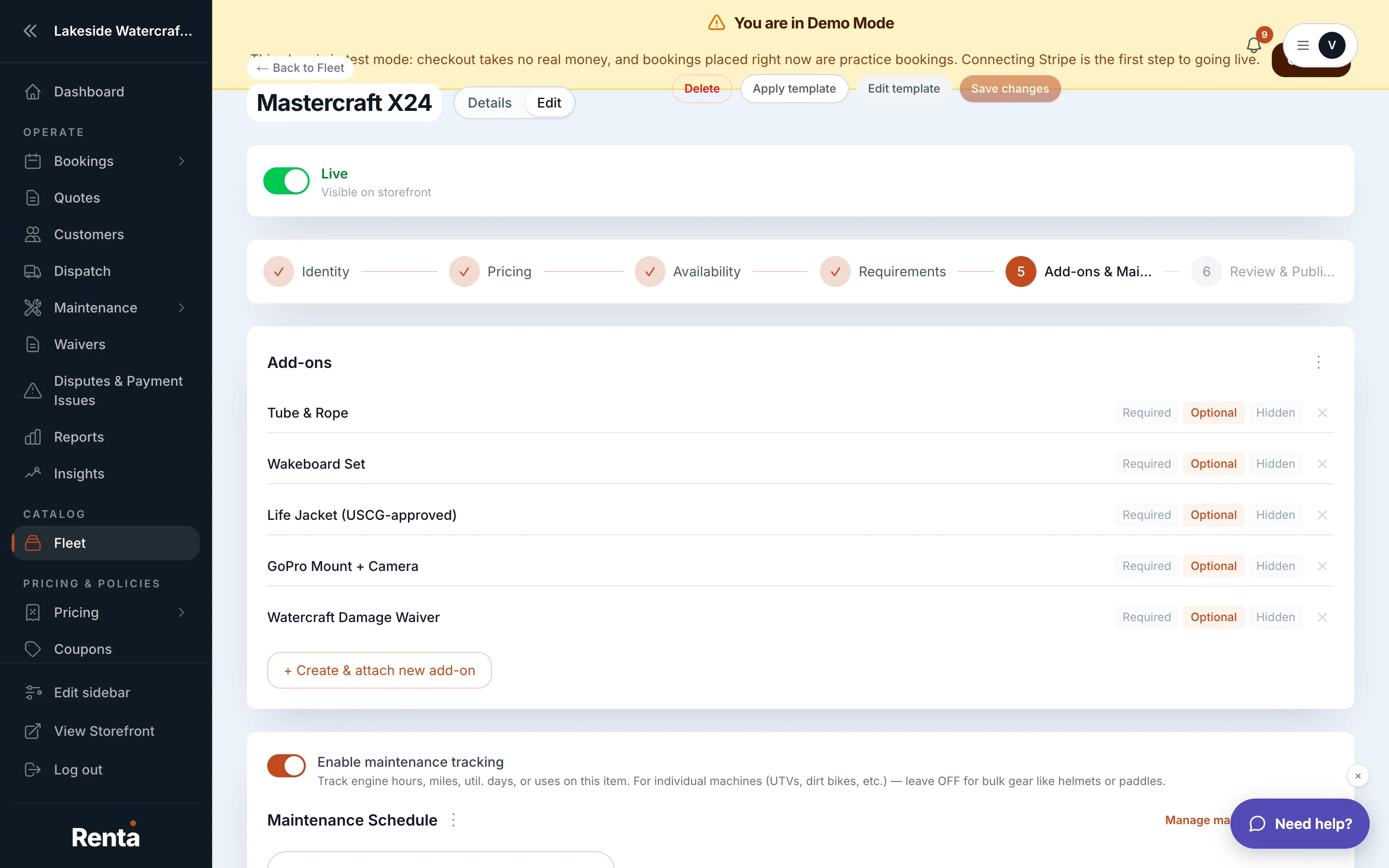 Maintenance Schedules section
How it works
- Maintenance Schedules section — add rows for each recurring task. None by default.
- For each schedule:
- Schedule Name — e.g. "Oil change," "Safety inspection." You can type your own or pick from a template.
- Interval — how often it repeats, measured in hours, miles, days, or number of rental periods, depending on what makes sense for the item.
- Saving a schedule links it to the item's tracked meters, so hours, mileage, or usage counted per unit can trigger a "due" or "overdue" status.
Example
A jet ski's maintenance schedule might set "Engine service" to repeat every 50 hours of use. As the unit racks up hours from rentals, Renta tracks how close it is to that 50-hour mark.
Good to know
- Schedule details are saved with the item, but the actual due/overdue tracking and logs happen per physical unit — see Tracking one physical unit's condition and history.
- If you haven't saved the item yet, you may need to save it first before adding schedule details.
Related
Still stuck? Ask the chat.