Requiring an inspection before a rental goes out
Turn on a checklist your team must complete before handing this item to a renter.
Where to find it
Fleet → open an item → Add-ons & Maintenance tab
You can require your staff to complete a short checklist before this item goes out on a rental — a quick way to make sure brakes, straps, or safety gear get checked every time.
Where to find it
Fleet → open an item → Add-ons & Maintenance tab.
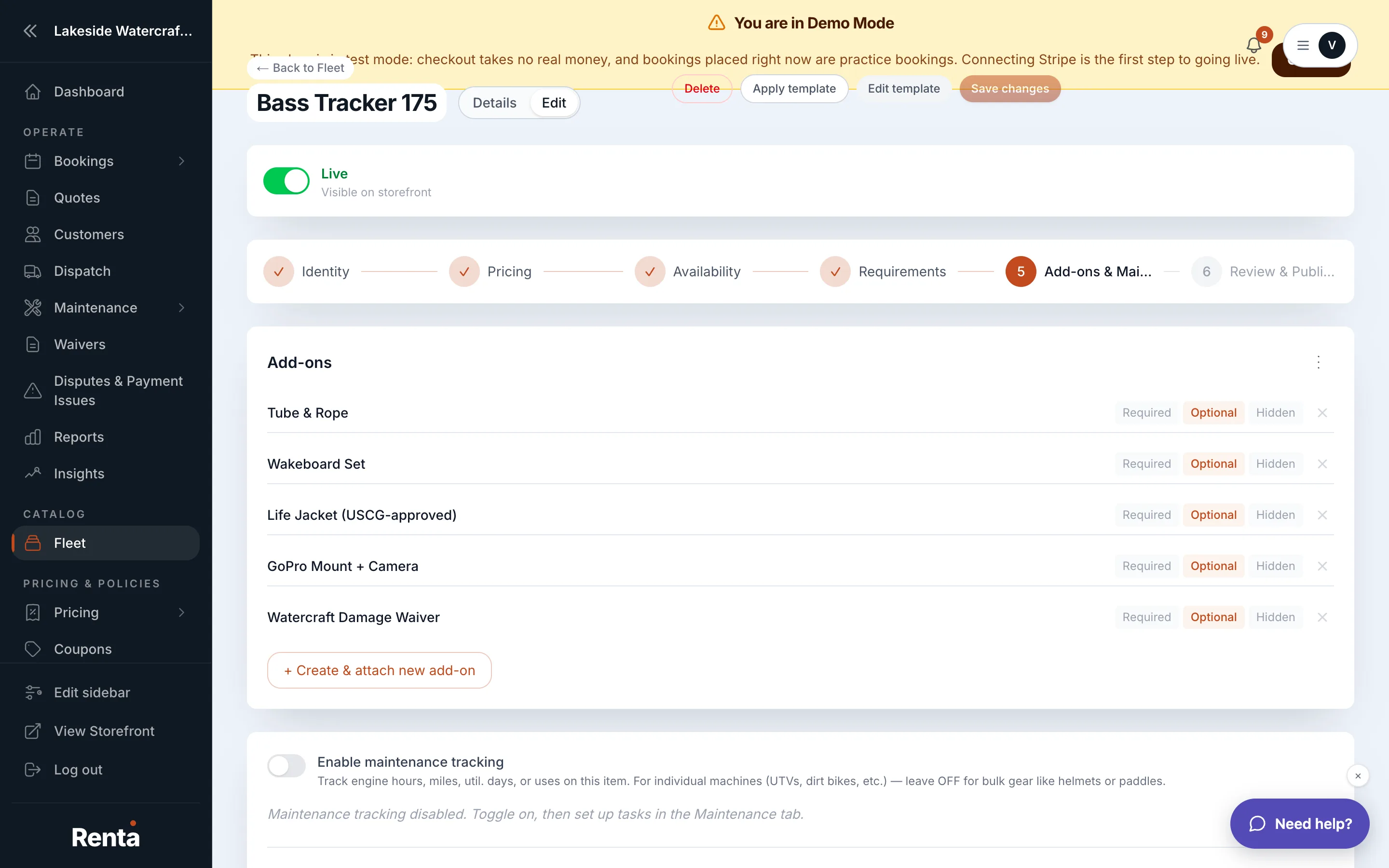 Inspection Required toggle and Inspection Items list
How it works
- Inspection Required — turns the checklist on for this item. Off by default.
- Inspection Items — once turned on, add one row per thing to check (e.g. "Brakes," "Life jacket count"). The list is empty until you add rows.
Example
For a jet ski, you might add inspection items for "Fuel level," "Hull damage," and "Life jackets present." Staff would check these off before the unit is handed to the renter.
Good to know
- This is separate from customer-facing requirements like waivers or age minimums — see Waivers, age minimums, and requirements on one item for what a customer has to sign or provide.
- If you track this item as individual physical units, damage found during an inspection can be logged against the specific unit — see Damage reports and checkout photos on a unit.
Related
Still stuck? Ask the chat.