Multi-day and multi-hour discounts on one item
Automatic discounts that kick in when a rental spans more days or hours than a threshold you set.
Where to find it
Fleet → open an item → Pricing tab (Flat Rate mode)
These discounts automatically lower an item's price once a booking crosses a length you choose — for example, 10% off any rental of 3 days or more.
Where to find it
Fleet → open an item → Pricing tab, under Flat Rate mode.
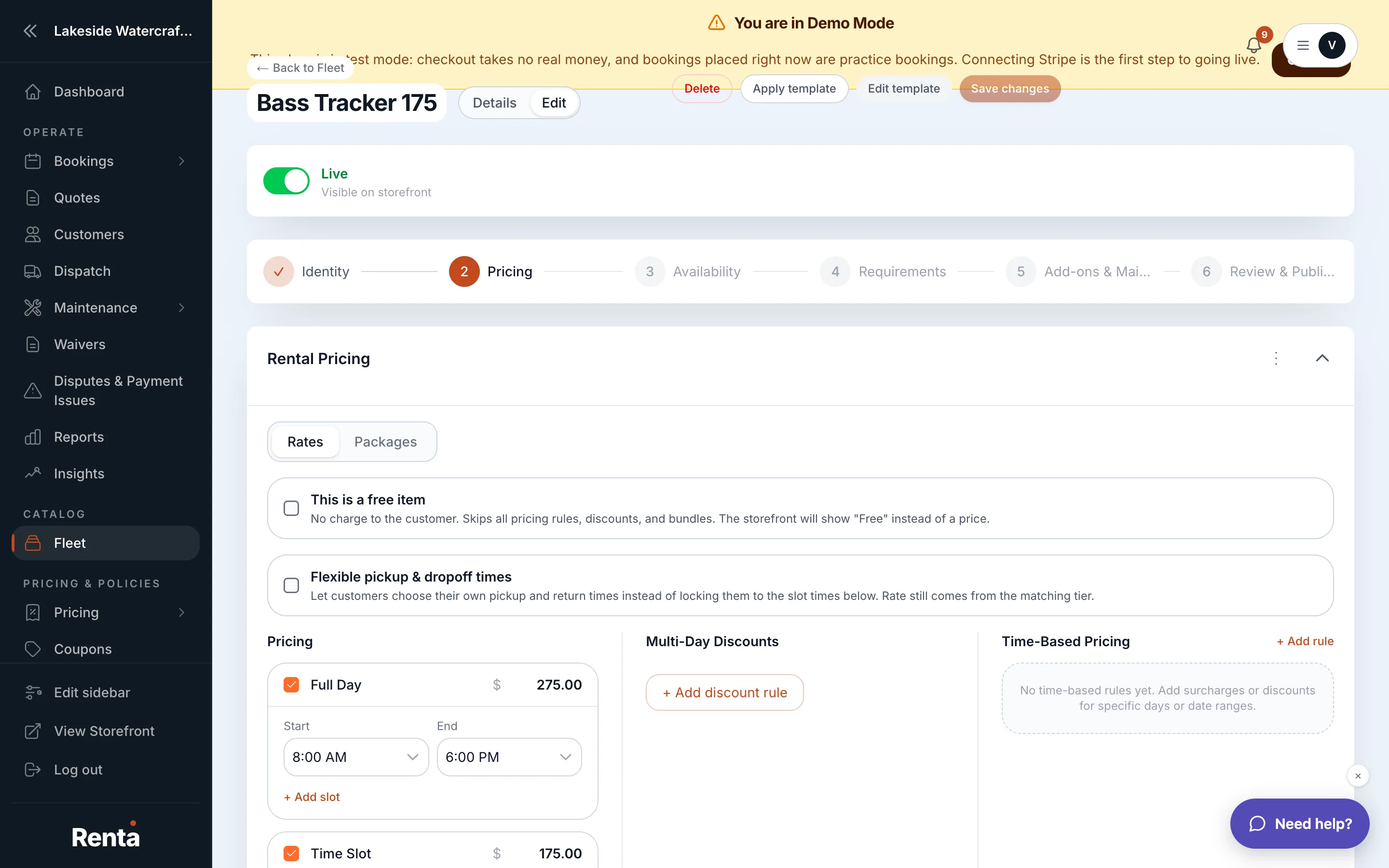 Multi-Day Discount rows on the Pricing tab
How it works
- Multi-Day Discount — one or more rows, each setting a minimum number of days and a discount, either a percentage or a flat dollar amount off. There are no rows by default.
- Multi-Hour Discount — the same idea for hourly-priced items: a minimum number of hours and a discount.
- Add or remove rows freely; each row is independent.
Example
If you add a Multi-Day Discount row for "3 days, 15% off," a customer booking a $100/day item for 4 days gets 15% off the whole booking's day-based rate — not just the days past the third.
Good to know
- These discounts apply automatically once a booking meets the threshold — customers don't need a coupon code.
- They stack with other pricing adjustments in the order Renta calculates a price — see How a price is calculated.
- Multi-hour discounts only apply if the item has an Hourly Price set — see Flat rates vs. Packages.
Related
Still stuck? Ask the chat.