Where duration discounts live across your fleet
A read-only list of every item's multi-day and multi-hour discount, so you can see them all in one place.
Where to find it
Fleet → Pricing Rules → Multi-Day / Hour tab (read-only); edit a rule from the individual fleet item's editor
A duration discount automatically reduces the price when a customer books for longer — a multi-day discount for longer rental days, or a multi-hour discount for longer hourly bookings. This page is where you see every item's discount at a glance; you set the actual discount on the item itself.
Where to find it
Fleet → Pricing Rules → Multi-Day / Hour tab. This overview is read-only — click "Edit on item" to change a rule, which opens that fleet item's own pricing editor.
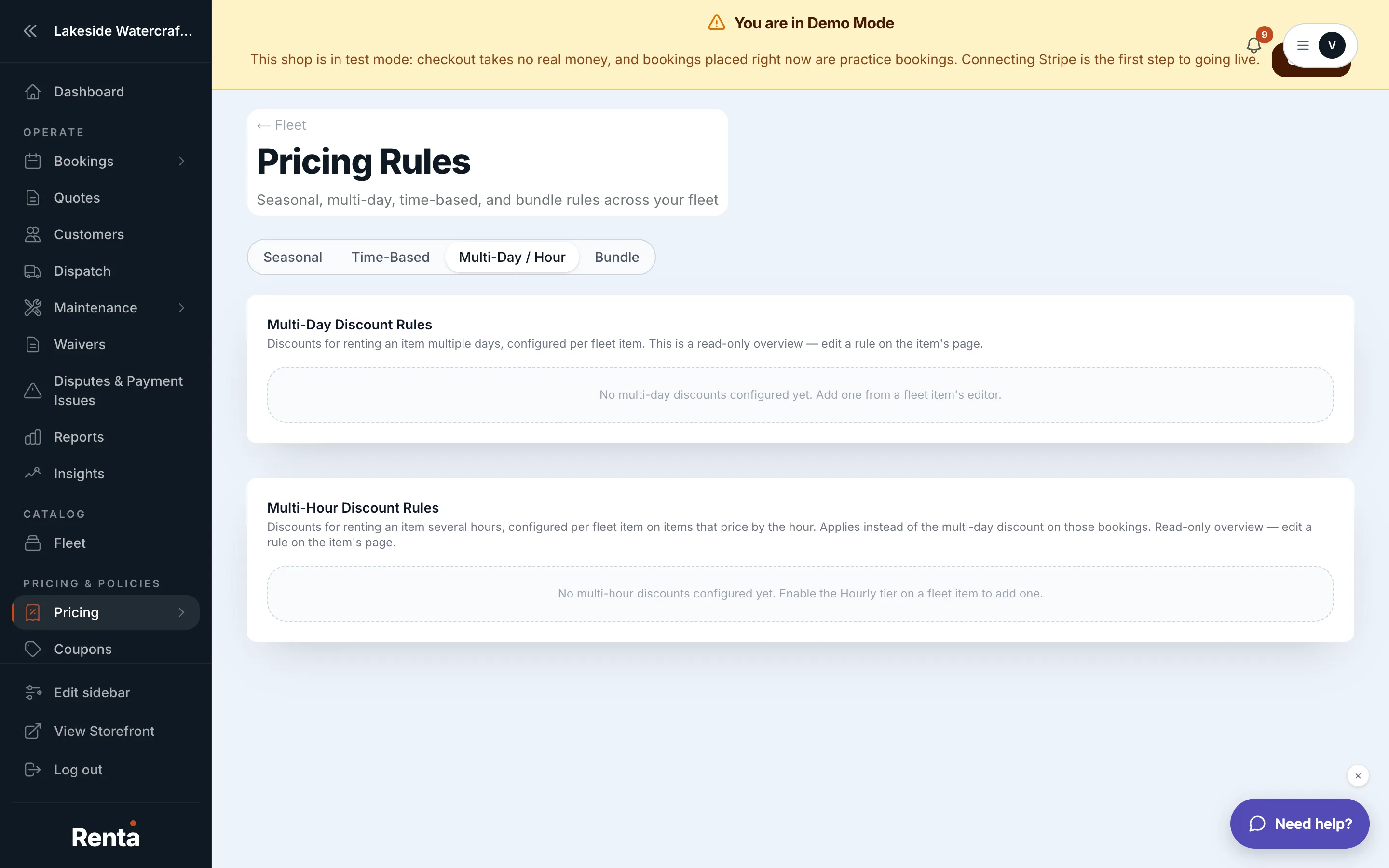 The Multi-Day / Hour tab, listing every item's duration discount
How it works
- Fleet item — the item the rule belongs to.
- Threshold — the length that triggers the discount, e.g. "3+ days" or "6+ hours."
- Adjustment — always shown as a discount (a negative adjustment).
Only one duration discount ever applies to a given booking: if the item is billed at its hourly rate, the multi-hour rule applies; otherwise the multi-day rule applies. They never both fire on the same booking, and neither applies to a bundle product priced as a package.
Example
A boat has a multi-day rule: 3+ days, -20%. Its full-day rate is $300. A 4-day rental would normally cost $1,200 — with the discount, the daily rate effectively drops so the booking totals $960 instead.
Good to know
- Whether a half-day rental counts as a full day toward a multi-day threshold depends on a separate setting — see Whether half-days count toward multi-day discounts.
- Duration discounts apply before seasonal and day-of-week adjustments — see How a price is calculated.
Related
Still stuck? Ask the chat.