How your billable rental days are counted
Choose whether pickup and return both count as full days, or only the nights between them — this changes the price of every multi-day booking.
Where to find it
Fleet → Pricing → Payment & Policies → Rental Day Counting
This setting decides how Renta counts the number of billable days in every multi-day rental — and it directly changes what a booking costs, because your daily and multi-day rates are multiplied by that count.
Where to find it
Fleet → Pricing → Payment & Policies → Rental Day Counting card.
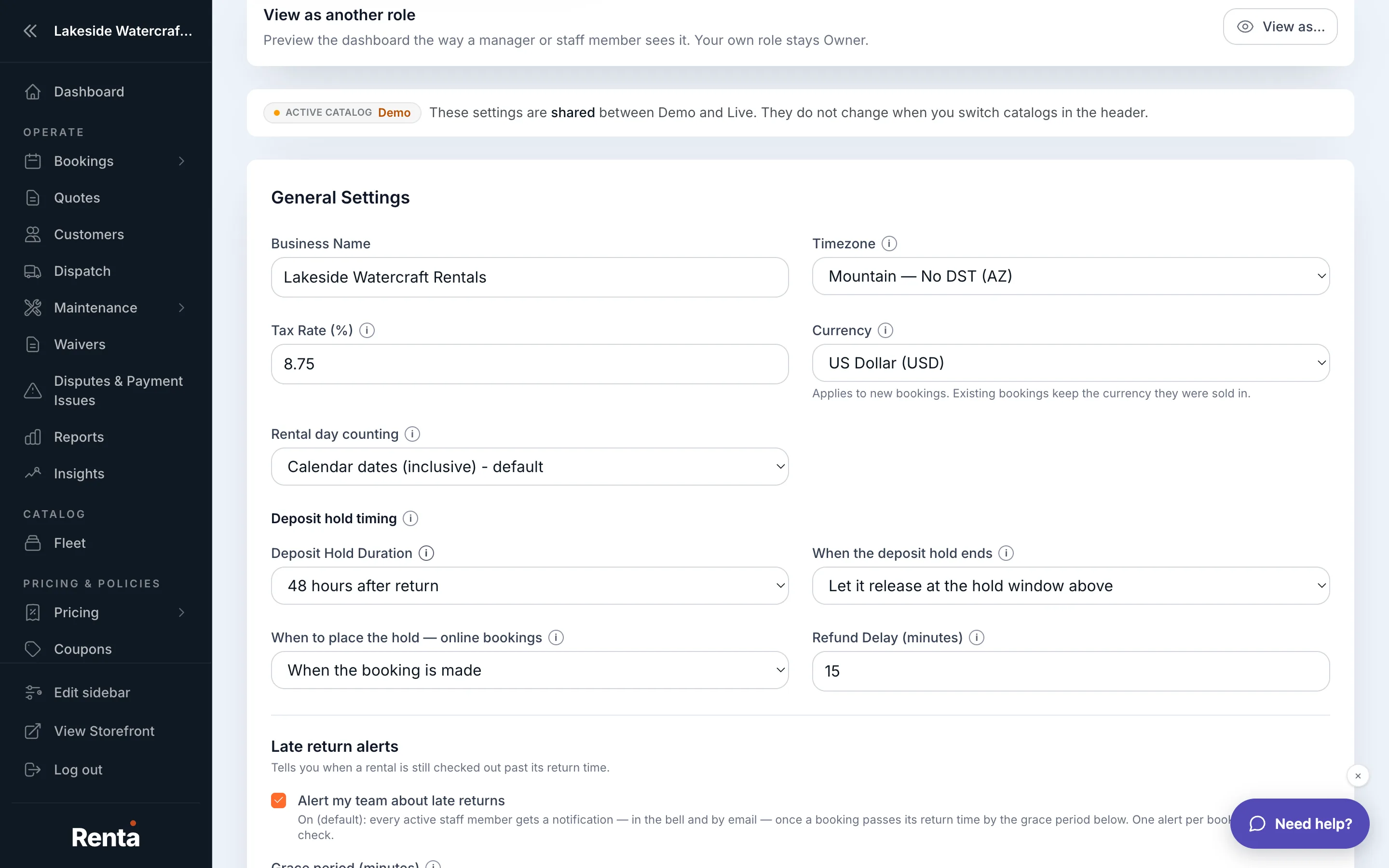 The Rental Day Counting card
How it works
- Counting rule — one of two options:
- Calendar dates (inclusive) — the default. Both the pickup day and the return day count as full billable days.
- Calendar span (difference only) — only the nights between pickup and return count; the pickup and return days themselves don't add an extra day.
Example
A customer picks up Monday and returns Wednesday.
- Inclusive: billed for 3 days (Monday, Tuesday, Wednesday).
- Span: billed for 2 days (the span between Monday and Wednesday).
At a $100/day rate, that's a $300 booking under Inclusive versus $200 under Span — the same rental, a different price, purely because of this setting.
Good to know
- This applies to every multi-day rental across your whole business — it's a single tenant-wide setting, not something you choose per booking.
- It also decides which duration-discount thresholds a booking hits (a "3+ day" discount can fire under Inclusive but not under Span for the exact same dates) — see Where duration discounts live across your fleet.
- Changing this setting changes pricing going forward; it does not retroactively re-price existing bookings.
Related
Still stuck? Ask the chat.