Building a bundle product (packaged items with one price)
Package several fleet items into one sellable bundle with its own price, separate from a bundle discount rule.
Where to find it
Fleet → Pricing Rules → Bundle discounts
A bundle product packages several of your fleet items into one thing customers book and pay for as a single unit, at one price — like a "weekend adventure package" combining a boat and a jet ski. This is different from a bundle discount rule, which just discounts items a customer happens to book together — see Discounting when customers rent multiple items together.
Where to find it
Fleet → Pricing Rules → Bundle discounts.
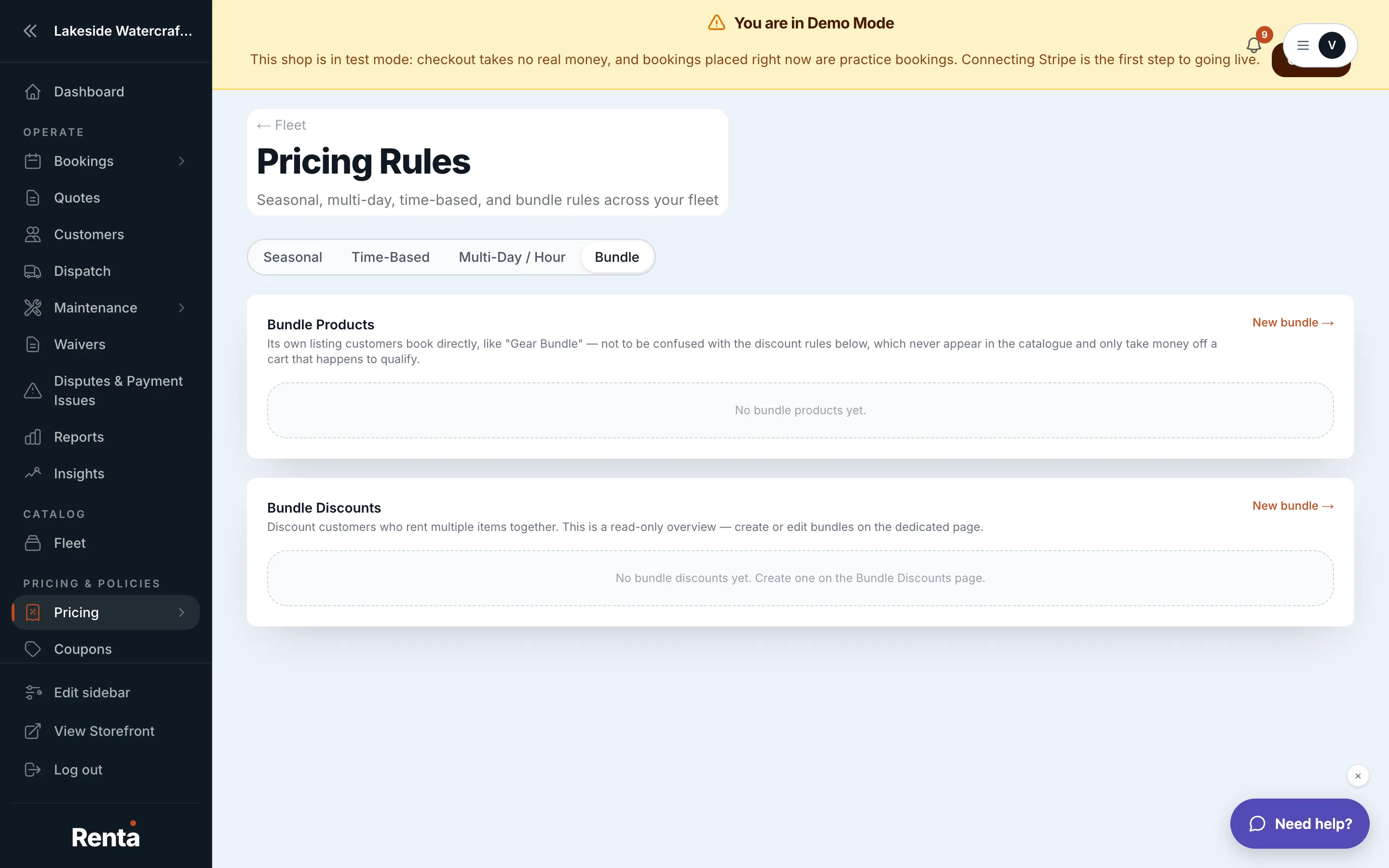 The Bundles page, listing bundle products
How it works
- Bundle Product List — every bundle you've created, showing its component items and price setting.
- Bundle price match — Auto (the bundle's price is the sum of its components) or Manual (you set a custom override price).
- Ordinary Fleet Items List — items available to add into a bundle. Existing bundles can't be nested inside another bundle.
- Create bundle — choose the component items, name the bundle, and pick Auto or Manual pricing.
- Edit bundle — change the components or the price.
- Delete bundle — removes the bundle; the component items remain as ordinary individual items.
Example
You create a bundle called "Weekend Combo" from a $200/day jet ski and a $80/day kayak, set to Manual pricing at $250/day instead of the $280 the two would cost separately.
Good to know
- Deleting a bundle never deletes the items inside it — they simply go back to being booked individually.
- A bundle product's own price setting takes priority over a bundle discount rule on the same items — the two never both apply. See How a price is calculated.
Related
Still stuck? Ask the chat.