Charging different prices by day of the week
Automatically discount slow days or add a weekend surcharge, based on the pickup day.
Where to find it
Fleet → Pricing Rules → Time-Based tab (read-only overview); edit a rule from the individual fleet item's editor
A day-of-week rule automatically raises or lowers the price of a rental based on the day it's picked up on — for example, a discount on slow Tuesdays or a surcharge on busy weekends.
Where to find it
Fleet → Pricing Rules → Time-Based tab shows every day-of-week rule across your fleet, but this list is read-only. To create or change one, open the fleet item itself and add the rule from its editor.
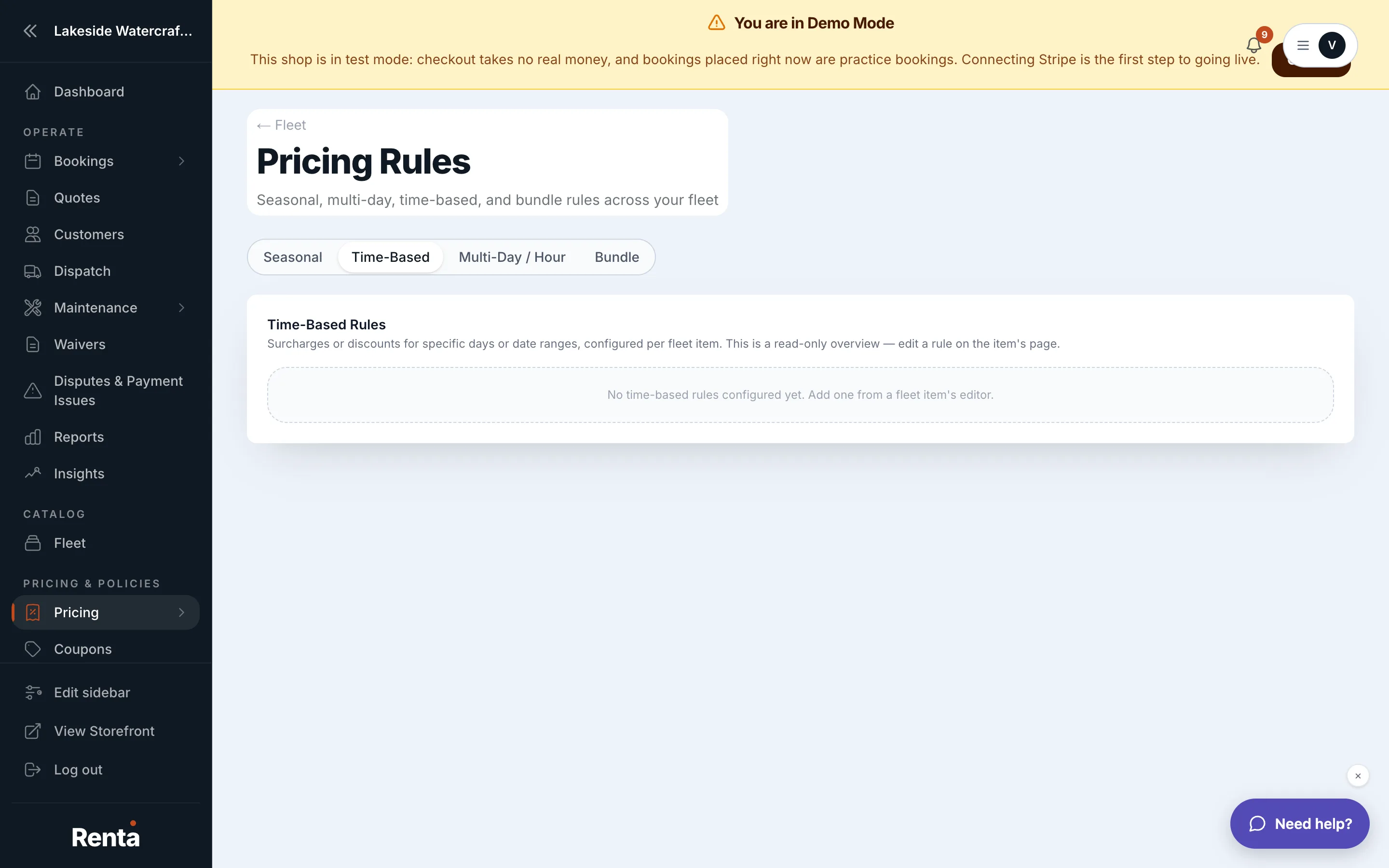 The Time-Based tab, showing rules by fleet item
How it works
Each rule specifies:
- Fleet item — which item the rule applies to.
- Days of week — which days it fires on, or "All days."
- Date range — an optional window the rule is limited to, or "All year."
- Adjustment — a surcharge or discount, shown as +/-% or a dollar amount.
The rule checks the pickup date's day of the week in your business's own timezone, so an evening pickup near midnight still matches the day your customer experiences, not a server's clock in a different timezone.
Example
You add a rule to a dirt bike: Tuesday and Wednesday, all year, -10%. A bike that normally rents for $150/day costs $135/day for any Tuesday or Wednesday pickup.
Good to know
- A day-of-week rule can combine with a seasonal rule on the same booking — both adjustments apply together, they don't override each other. See Seasonal price markups and discounts.
- These rules are set per fleet item, not fleet-wide — the overview page just lets you see everything in one place.
- Day-of-week adjustments happen before add-ons, coupons, and tax — see How a price is calculated.
Related
Still stuck? Ask the chat.