Discounting when customers rent multiple items together
"Rent 2, save 15%" style rules that discount a booking when it includes several items at once.
Where to find it
Fleet → Pricing Rules → Bundle tab
A bundle discount rule automatically reduces the price when a customer books multiple items together in one booking — for example, "rent any 2 items, save 15% on the cheaper one." This is a discount rule, different from a bundle product (a single item you package and sell as one thing) — see Building a bundle product.
Where to find it
Fleet → Pricing Rules → Bundle tab.
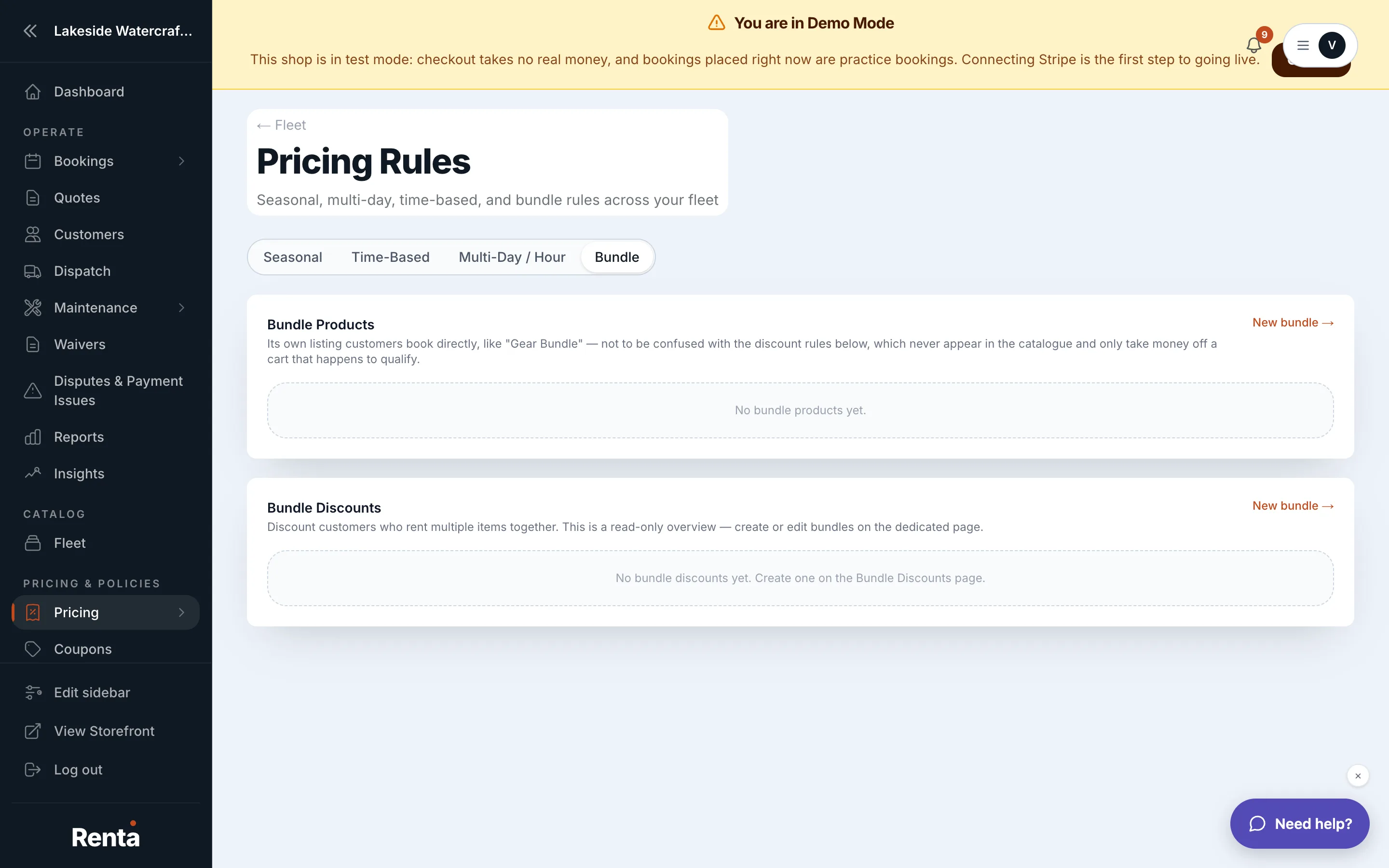 The Bundle tab in Pricing Rules
How it works
- Bundle name — a label for your own reference.
- Scope — which items the rule can apply to: any items, a specific category, or specific items you choose.
- Applies to — which units in the booking get the discount: all of them, only the cheapest unit, or only the additional units beyond the first.
- Minimum items — how many items must be in the booking before the rule fires.
- Adjustment — the size of the discount.
- Show deal badge — an optional toggle to display a badge on qualifying items on your storefront, so customers know the deal exists before they book.
Example
You create a rule: Scope "Any items," Applies to "Cheapest unit," Minimum items 2, Adjustment -15%. A customer books a $200 jet ski and a $150 kayak together. The cheaper item (the $150 kayak) gets 15% off ($22.50), so the booking's combined price is $327.50 instead of $350.
Good to know
- A bundle discount rule and a bundle product's price override never both apply to the same item — if a bundle product's own pricing takes over, the discount rule stands down for that item.
- Bundle adjustments are applied after seasonal and day-of-week adjustments but before add-ons and coupons — see How a price is calculated.
Related
Still stuck? Ask the chat.