Seasonal price markups and discounts
Automatically charge more or less during a date range, like a summer markup or an off-season discount.
Where to find it
Fleet → Pricing Rules → Seasonal tab
A seasonal rule automatically raises or lowers your prices during a specific date range — for example, a summer markup or a slow-season discount — without you having to change prices by hand.
Where to find it
Fleet → Pricing Rules → Seasonal tab.
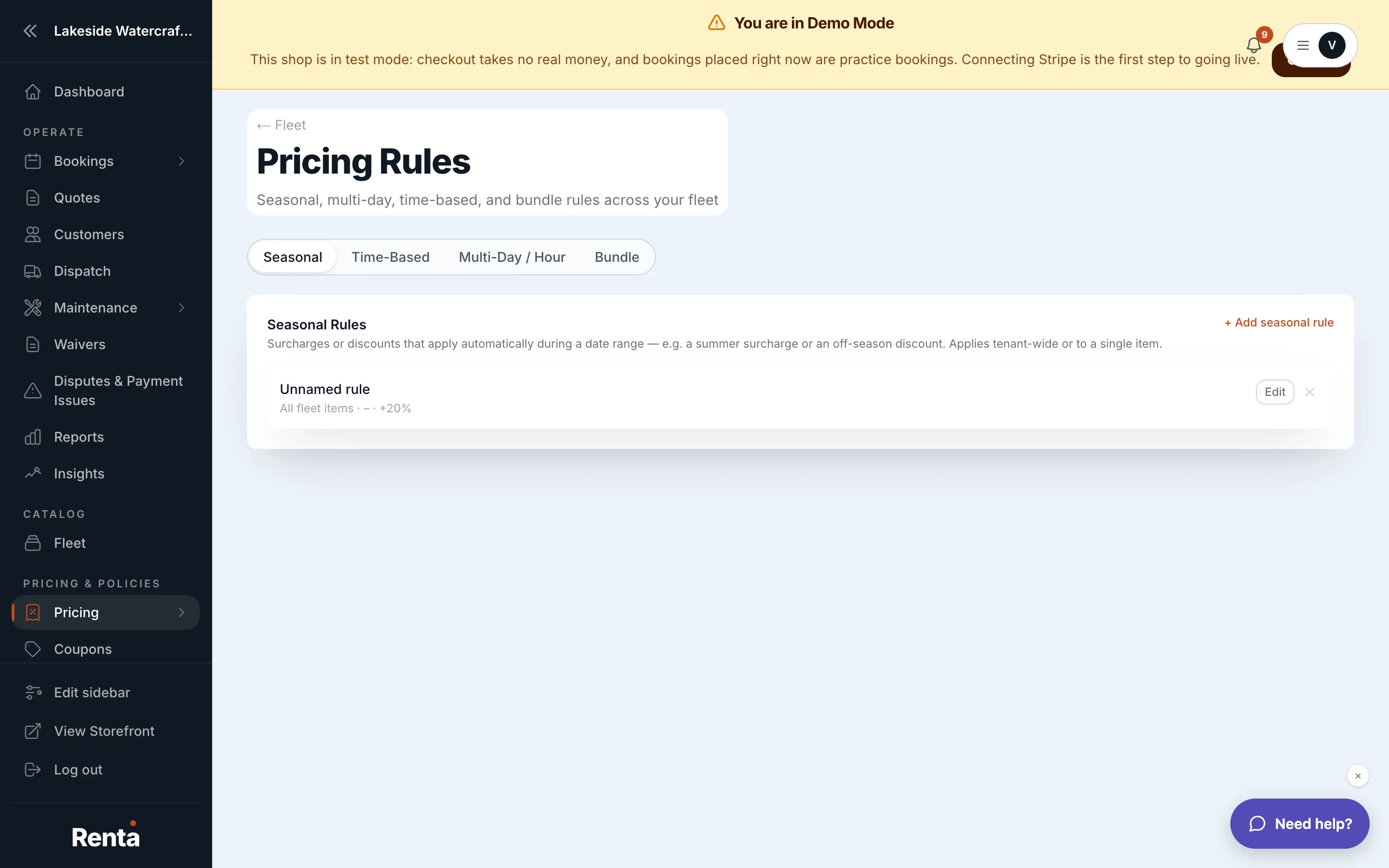 The Seasonal tab in Pricing Rules
How it works
Each rule has:
- Name — a label for your own reference, like "Summer 2026."
- Start Date and End Date — the date range the rule is active, both dates included.
- Adjustment Type — Percent (%) or Dollar ($).
- Adjustment Value — the size of the change. A positive number is a surcharge, a negative number is a discount.
- Priority — used when more than one seasonal rule could apply to the same date; it does not stop rules from stacking (see below).
A rule fires for any booking whose pickup date falls in its date range, regardless of the day of the week.
Example
You create a rule named "Summer Markup," June 1 to August 31, Percent, +15%. A jet ski that normally rents for $200/day now costs $230/day for any pickup in that window.
Good to know
- More than one seasonal rule can apply to the same booking at once — if two rules both match a date, both adjustments are added together, they don't replace each other.
- Seasonal rules can also combine with a day-of-week rule on the same booking — both can fire together.
- Seasonal adjustments happen before add-ons, coupons, and tax — see How a price is calculated for the full order.
- This tab manages rules across your whole fleet (or scoped to specific items). Day-of-week and duration-discount rules are configured per fleet item instead — see Charging different prices by day of the week.
Related
Still stuck? Ask the chat.