Reusable pricing templates
Save a set of rates once — half-day, full-day, multi-day, weekly, hourly — and apply the same set to many items at once.
Where to find it
Fleet → Rate Card Templates
A rate card template is a saved set of prices — half-day, full-day, multi-day, weekly, and hourly rates — that you can apply to any number of fleet items at once, instead of typing the same rates into every item individually.
Where to find it
Fleet → Rate Card Templates. Click + New Template to create one, or open an existing card to edit it.
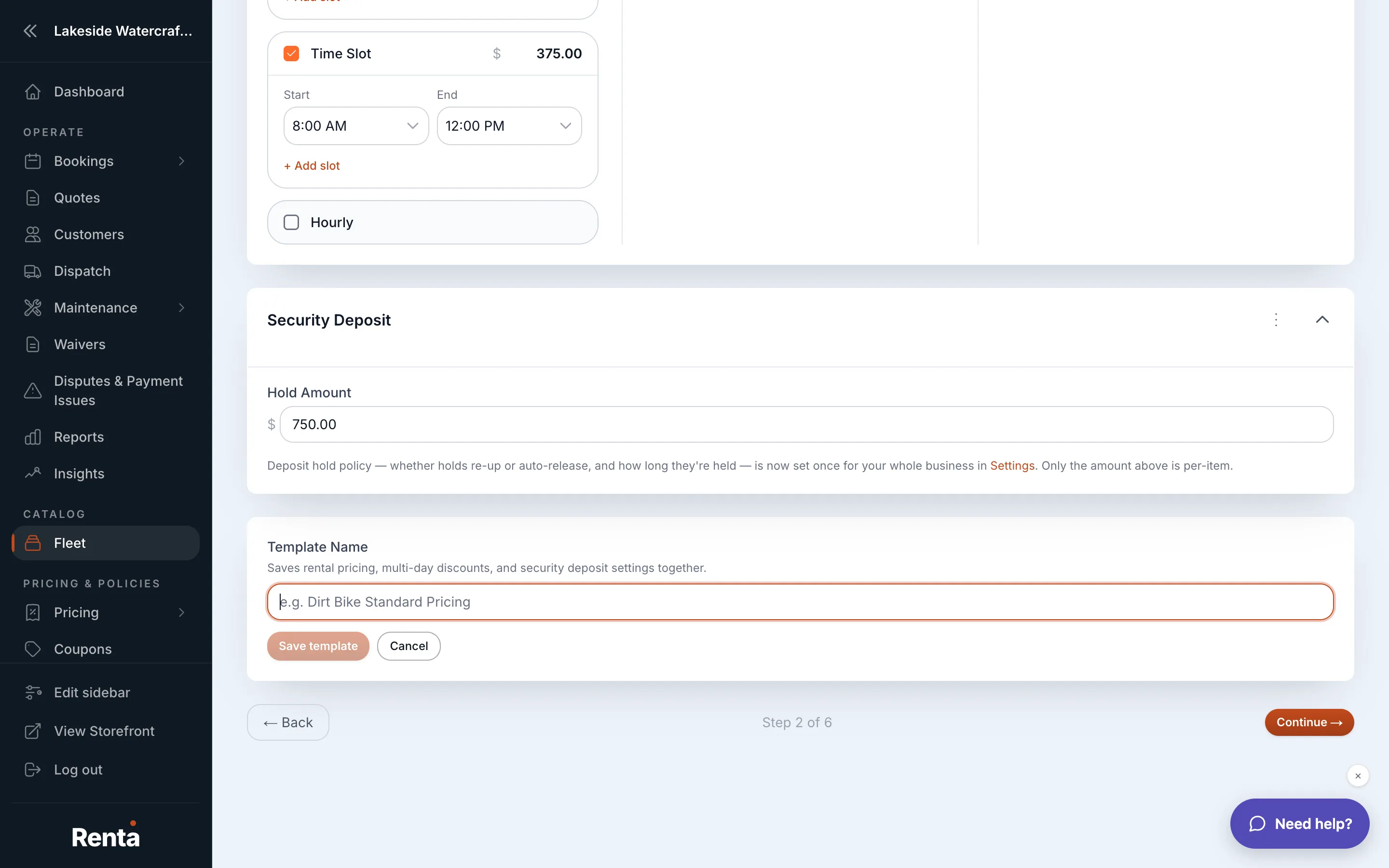 The Rate Card Templates list
How it works
- Name and Description — identify the template and note when to use it.
- Half-day rate, Full-day rate, Multi-day rate (applies at 3+ days), Weekly rate (applies at 7+ days), Hourly rate (set to 0 to make hourly bookings unavailable for items using this template).
- A template name is required to save; there's no minimum on the rates themselves.
- Usage count shows how many fleet items currently use each template.
- Duplicate and Delete — clone a template as a starting point, or remove one (items using it revert to their own manually-set rates).
Example
You build a "Standard Watercraft" template with a $150 half-day, $250 full-day, $220 multi-day, and $1,200 weekly rate, then apply it to five jet skis at once instead of setting each item's prices individually.
Good to know
- Editing a template's rates changes the price for every fleet item that uses it — a fast way to run a price increase across your whole fleet, but also easy to change more than you meant to.
- Templates belong to whichever mode you're working in — a template created in Demo mode won't appear once you're set up for real, paying customers.
- Duration discounts (multi-day/multi-hour) and adjustment rules (seasonal, day-of-week) still apply on top of a template's rates — see How a price is calculated.
Related
Still stuck? Ask the chat.