How hard your fleet is working
How much each rental item is used, what your fleet is worth, and what maintenance is costing you.
Where to find it
Reports → Fleet tab
The Fleet tab shows how hard each of your rental items is working, what your fleet is worth today, and what you're spending to keep it running.
Where to find it
Go to Reports, then the Fleet tab.
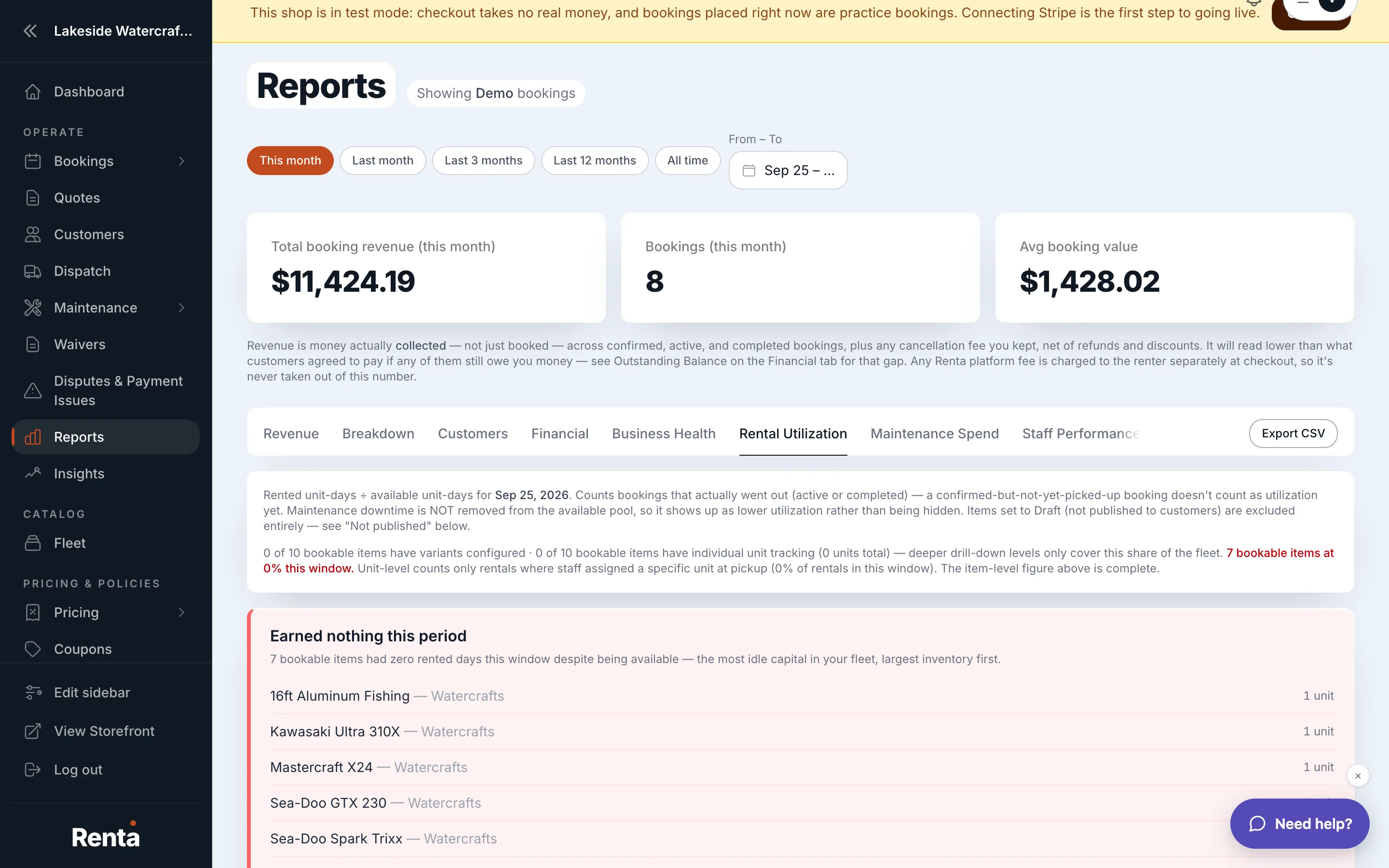 The Fleet tab's Fleet Utilization table
How it works
- Fleet Utilization — a table showing each item's rented days against its available days for the period, as a percentage — the higher the percentage, the more that item is earning its keep
- Fleet Depreciation — an estimate of your fleet's current book value, based on how much value your items have lost over time
- Maintenance Spend — total maintenance costs for the period
- Maintenance Cost (by item) — the same spend broken out per item, so you can see which units cost the most to keep running
For example: if one jet ski shows 15% utilization while the rest of your fleet averages 60%, that's a signal either to price it more competitively, move it to a better pickup location, or consider replacing it with something more popular.
Good to know
- These are monthly report numbers — the live, at-a-glance version of the same figures lives on your dashboard at Fleet health and maintenance snapshot.
Related
Still stuck? Ask the chat.