Choosing the time window for your reports
The From/To date filter that controls most report charts, defaulting to the last 12 months.
Where to find it
Reports → date range selector at the top of the page
The date range selector at the top of the Reports page controls the time window for most of the charts and tables below it, so you can compare a specific week, month, or year instead of only seeing everything at once.
Where to find it
At the top of the Reports page, above the tabs.
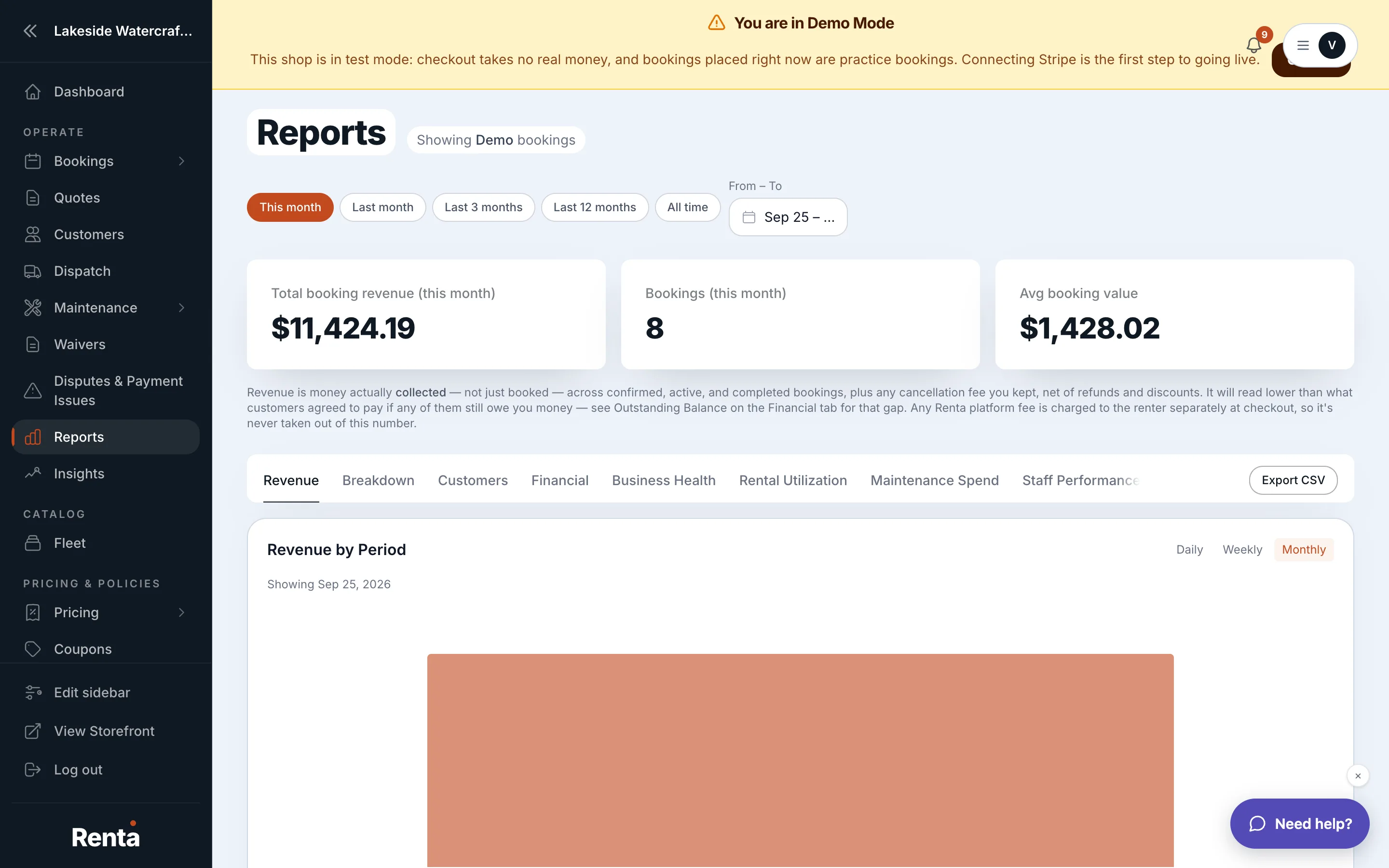 The From/To date range selector at the top of the Reports page
How it works
- From and To fields let you set the exact start and end date for your window.
- If you don't set a range, Reports defaults to the last 12 months.
For example: if you want to see how last summer's revenue compares to this summer, set From and To to just that window instead of looking at the full 12-month default.
Good to know
- This selector applies across most of the tabs on the Reports page (Revenue, Fleet, Outcome, and more) — it isn't a separate setting per tab.
- The Financial tab is different: it always shows the current month regardless of this date range — see This month's money at a glance.
Related
Still stuck? Ask the chat.