Archiving or deleting a customer record
Archiving hides a customer but keeps their history; deleting permanently removes them and only works if they have no bookings or payments.
Where to find it
Customers → open a customer → Archive or Delete
Archiving a customer hides them from your active list while keeping their full booking history intact. Deleting permanently removes the record, but only works if the customer has zero bookings and zero payments.
Where to find it
Customers → open a customer → Archive customer or Delete customer
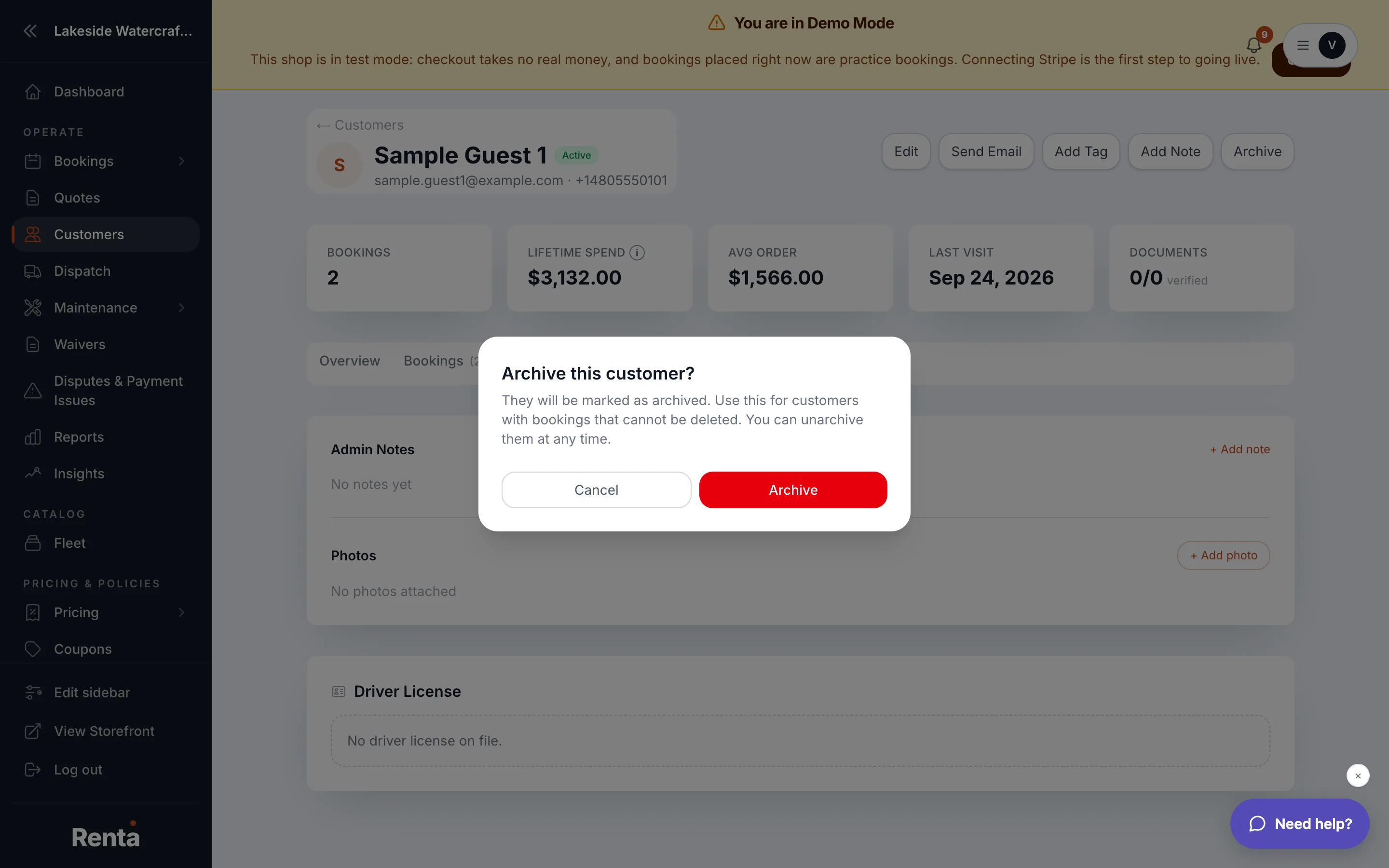 The confirmation dialog for archiving a customer
How it works
- Archive customer — marks the record as archived; a confirmation dialog asks "Archive this customer?" before it happens.
- Unarchive customer — restores an archived customer the same way, with the same confirmation step.
- Delete customer — permanently removes the record. Only available if the customer has no bookings and no payments on file. The confirmation dialog warns this "permanently removes" the record.
Example
A one-time inquiry that never turned into a booking can be deleted outright. A customer who rented from you last summer but hasn't been back should be archived instead — their history stays intact, and you can bring them back into the active list any time.
Good to know
If Delete customer isn't available, it's because the customer already has at least one booking or payment attached — archive them instead of trying to force a delete.
Related
Still stuck? Ask the chat.