Upcoming and pending charge attempts
See future charges — like late fees or recurring deposits — that haven't run yet, and any that need a manual check.
Where to find it
Bookings → Scheduled payments
Some charges aren't collected right away — a late fee, or a deposit that recurs — and this page shows every one of those future attempts before they run.
Where to find it
Bookings → Scheduled payments.
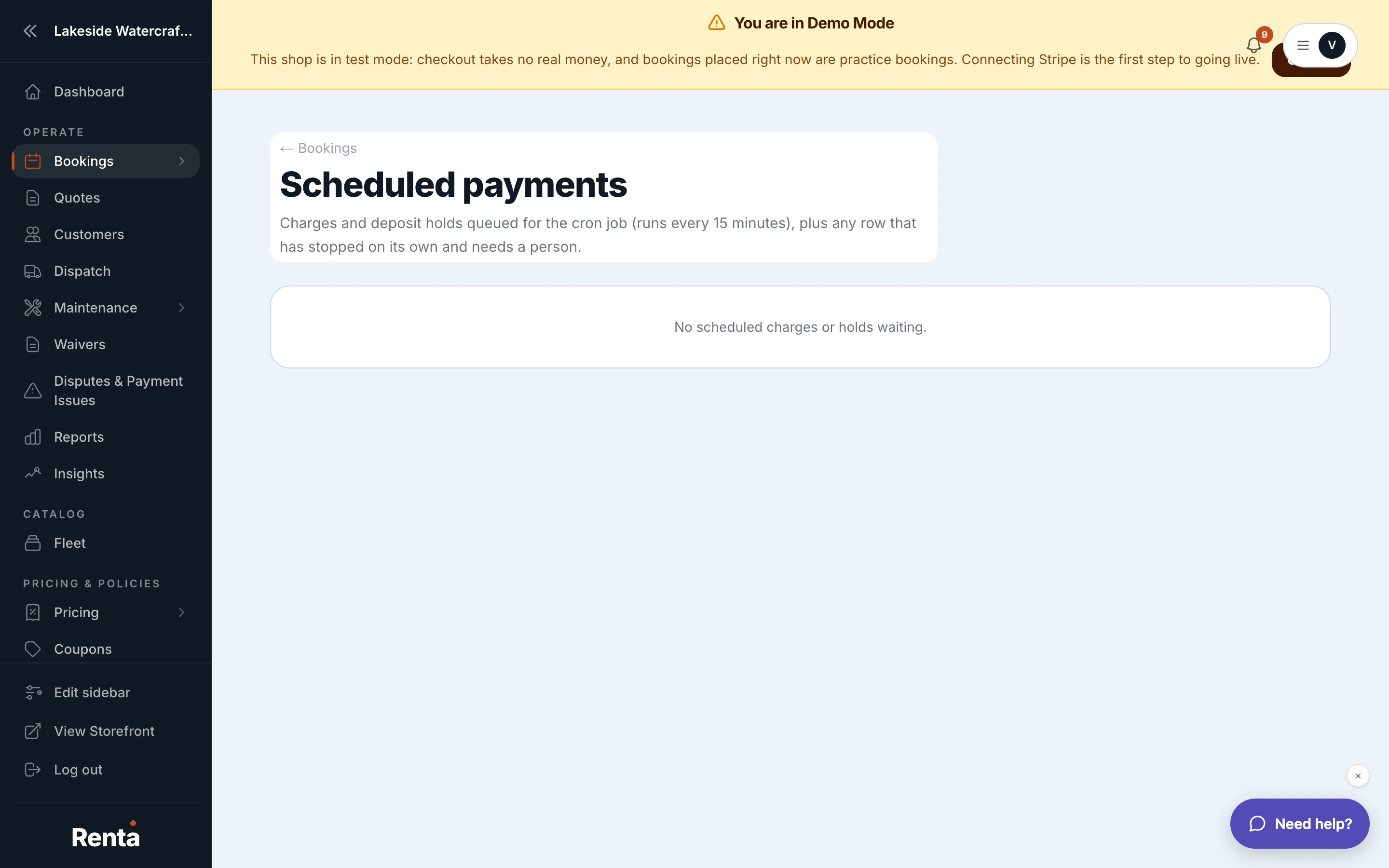 The Scheduled Payments list with status badges
How it works
Each row shows the confirmation number, customer, item, amount, and the date the charge is scheduled to attempt, plus a status:
- pending (gray) — waiting to charge; hasn't been attempted yet.
- charging (blue) — the charge attempt is in progress right now.
- needs_review (amber) — the payment processor's result was unclear, and you need to check manually whether it actually went through.
Example
If you see a needs_review badge on a late-fee charge, check the transaction in your payment processor directly before assuming it was collected — don't just wait for it to resolve on its own.
Good to know
- This page is about charges that haven't happened yet, not past transactions — those live in payment history on the booking itself.
Related
Still stuck? Ask the chat.