Printing or emailing a receipt
A customer-facing receipt showing pricing, taxes, deposits, and balance due for one booking.
Where to find it
Bookings → open a booking → Receipt preview
The receipt preview is a printable, customer-friendly summary of a booking — everything they'd need for their own records or an expense report.
Where to find it
Bookings → open a booking → Receipt preview.
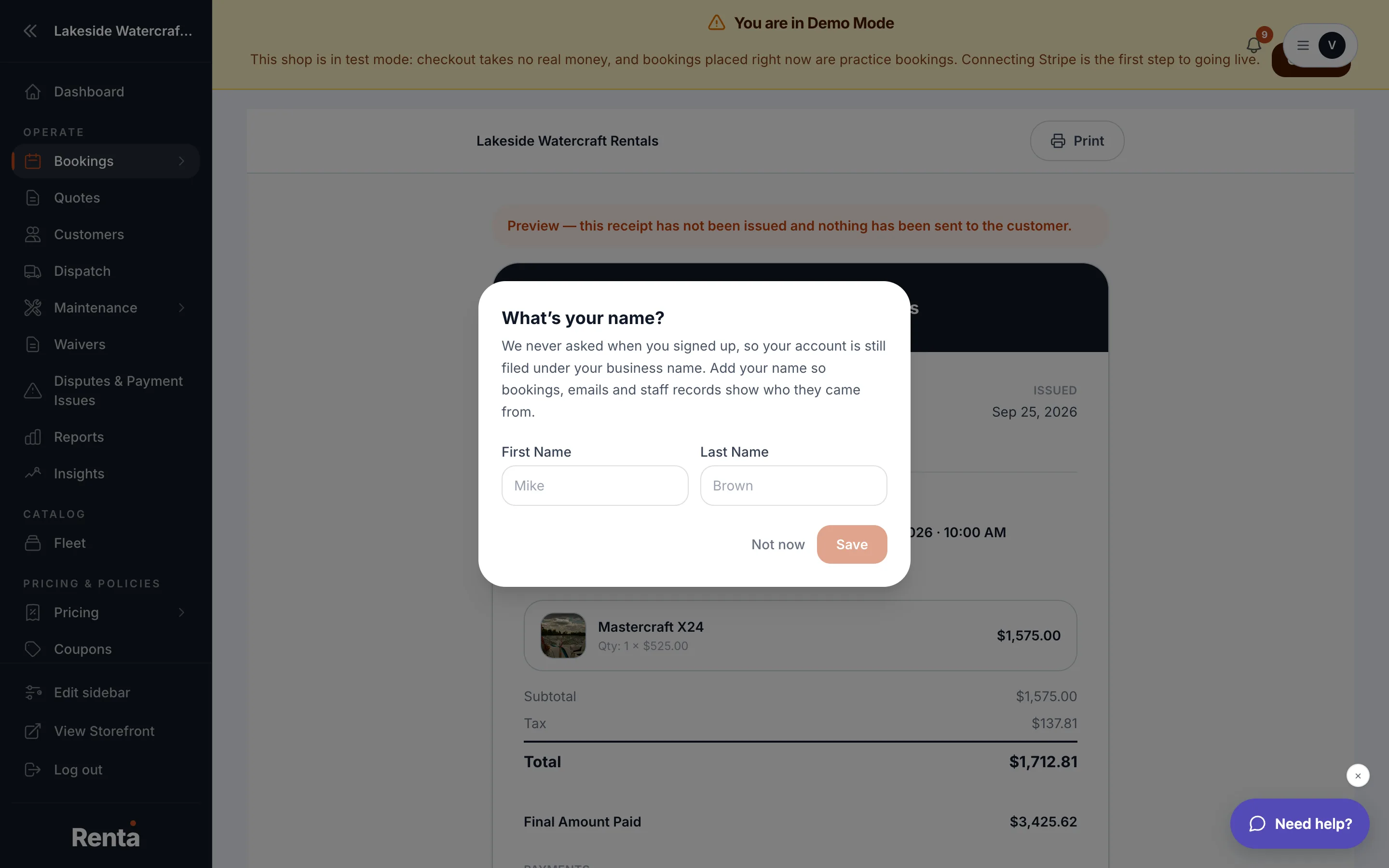 The receipt preview page for a booking
How it works
- Logo & business name — pulled from your business profile.
- Confirmation number — the booking's unique ID.
- Customer info — name, email, and phone.
- Rental period — pickup and return dates.
- Items & pricing — a line-item table with quantity, rate, and subtotal for each item.
- Taxes — calculated and shown separately.
- Deposit held — shown separately from the rental charge, if a deposit hold exists.
- Amount paid and Balance due — pulled from the actual payment record.
- Terms & cancellation policy — whatever text you've set up for your business.
Example
A customer needs proof of a rental for work reimbursement — open the booking and print or email the receipt preview instead of building one by hand.
Good to know
- The numbers here always reflect what's actually been charged and paid, not just what was originally quoted — so if a discount or custom charge was applied, it's already reflected.
Related
Still stuck? Ask the chat.