Refunding or cancelling a booking
Cancelling voids a booking but never refunds automatically — you issue any refund yourself, as its own step.
Where to find it
Bookings → open a booking → Actions menu (More) → Process refund / Cancel booking
Cancel booking voids the reservation, but it never refunds money by itself — anything already paid just shows as overpaid until you decide to refund it. Process refund is the separate action that actually sends money back to the customer's card.
Where to find it
Bookings → open a booking → Actions (More) menu → Cancel booking or Process refund.
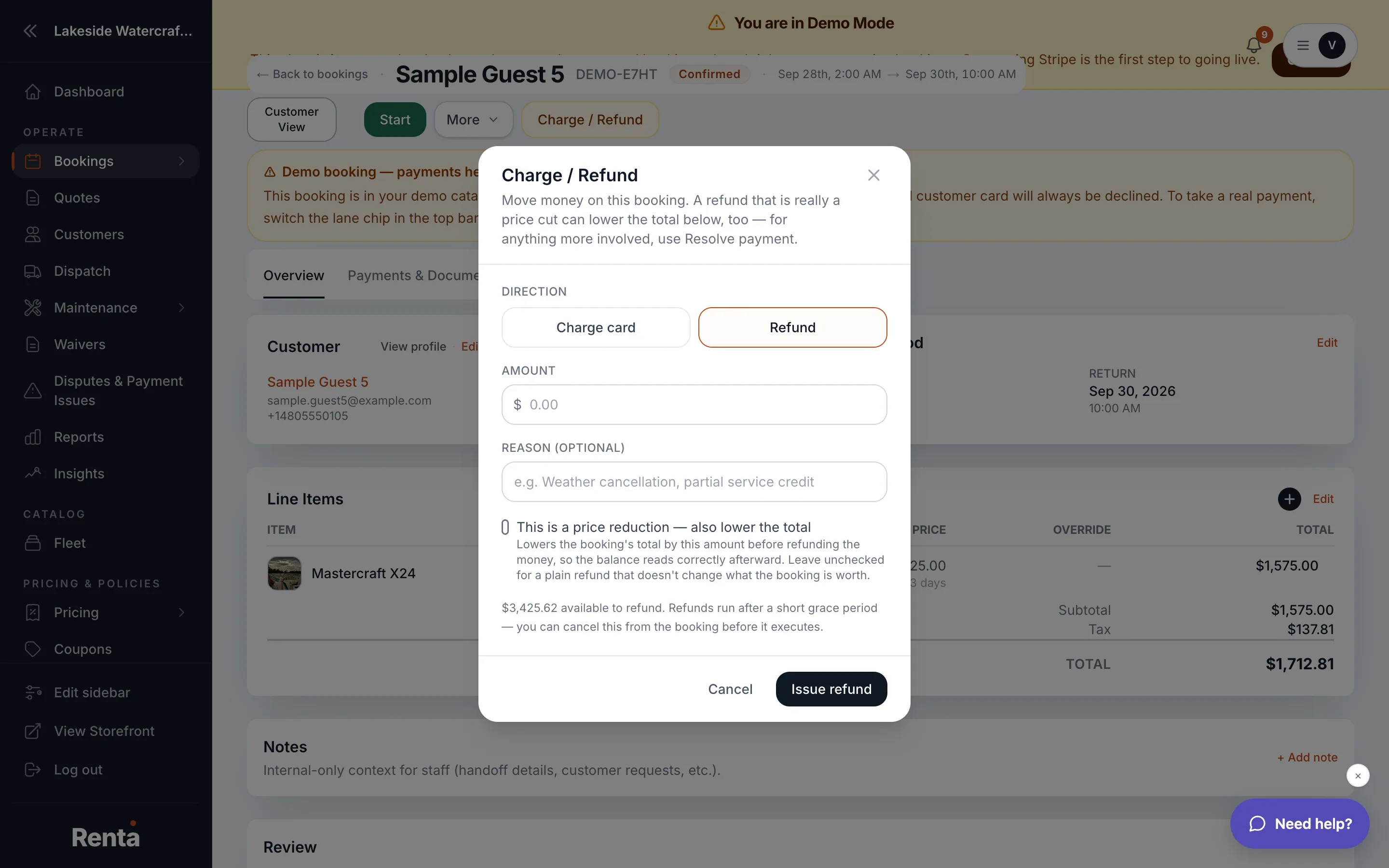 The Process refund and Cancel booking modals
How it works
- Cancel booking — a confirmation step with an optional description. If there's an open deposit hold, you can choose Keep the deposit held rather than releasing it automatically. Confirming sets the booking's status to cancelled; it does not touch any money that's already been charged.
- Process refund — enter an amount and a free-text description of why. There's no separate reason picker and no rental-vs-deposit split in the form — just the amount and your note.
- A refund isn't sent instantly: it's queued with a short 15-minute grace period before it actually goes through, and you can cancel it during that window if you change your mind.
Example
A customer cancels a boat rental two days before pickup after already paying in full. Clicking Cancel booking voids the reservation, but the payment stays on the booking as an overpayment — you then open Process refund separately to actually send the money back.
Good to know
- Cancelling a booking frees up its items in your availability calendar for someone else to book, regardless of whether a refund has been issued.
- A refund and a deposit release/capture are different: a refund gives back money you already charged, while a deposit hold is money that was only authorized — see Releasing vs. capturing a deposit hold.
- Every cancellation and refund shows up in the booking's change log.
Related
Still stuck? Ask the chat.