Adding a "Book Now" button to another website (Embed Widget)
Drop a booking button or an inline booking flow onto a website you already have, like one built on WordPress or Squarespace.
Where to find it
Settings → Widget
If you already have a website outside of Renta, the Embed Widget adds a working "Book Now" button or full booking flow onto it, using a small snippet of code you paste in.
Where to find it
Settings → Widget.
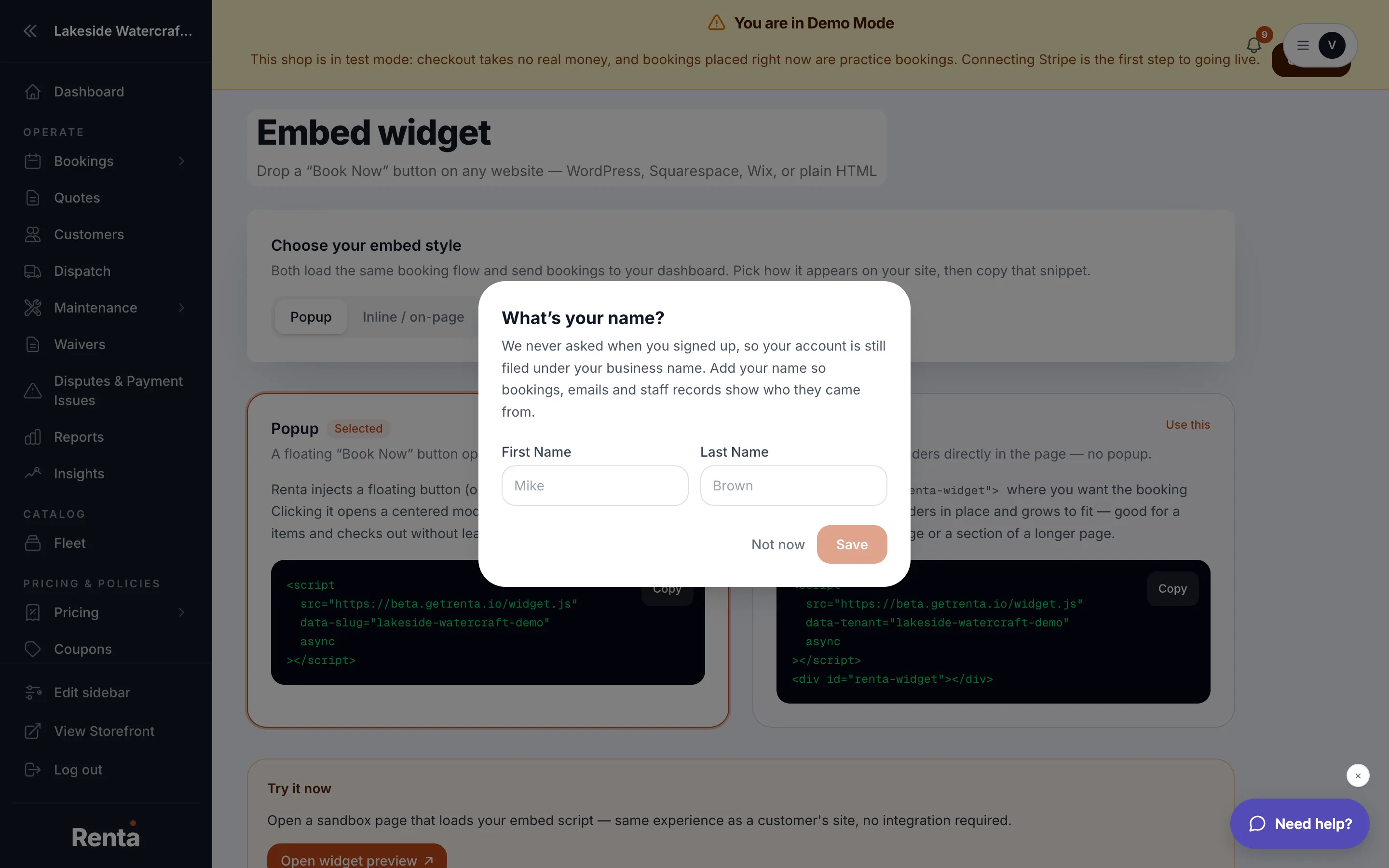 The Widget settings page showing the Popup and Inline embed style options
How it works
- Embed style: Popup (a button that opens your booking flow in a pop-up window over your existing site) or Inline / on-page (the booking flow renders directly inside your page, no pop-up).
- Default button text: what the button says, default "Book Now."
- Show item descriptions: choose whether item cards inside the embedded flow show a preview, an expandable description, always show it, or hide it entirely.
- Script options: the exact code snippet to copy and paste into your other website (WordPress, Squarespace, Wix, or plain HTML), pre-filled with your shop's own address.
- Widget analytics: tracks how many times the embed was opened ("Modal opens"), how many people started a booking, how many completed one, your conversion rate, and revenue that came through the embed.
Example
A gear rental business with an existing Squarespace site could paste the Popup snippet into a page there, giving visitors a "Book Now" button that opens Renta's booking flow without leaving their Squarespace site.
Good to know
- You can try the embed right on the settings page before copying the code onto your real site.
- Analytics only start counting from when the embed goes live on your other site — there's no historical backfill.
- Button label can't be left empty; save will be blocked until you set one.
Related
Still stuck? Ask the chat.