Connecting your own domain name (Custom Domain)
Point a domain you already own, like bookings.yourbusiness.com, at your Renta website instead of using the default Renta address.
Where to find it
Settings → Domain
You can connect a domain name you already own — like bookings.yourbusiness.com — so visitors reach your Renta site there instead of a Renta-branded address.
Where to find it
Settings → Domain. Enter your domain (e.g. "shop.yourdomain.com") in the field at the top.
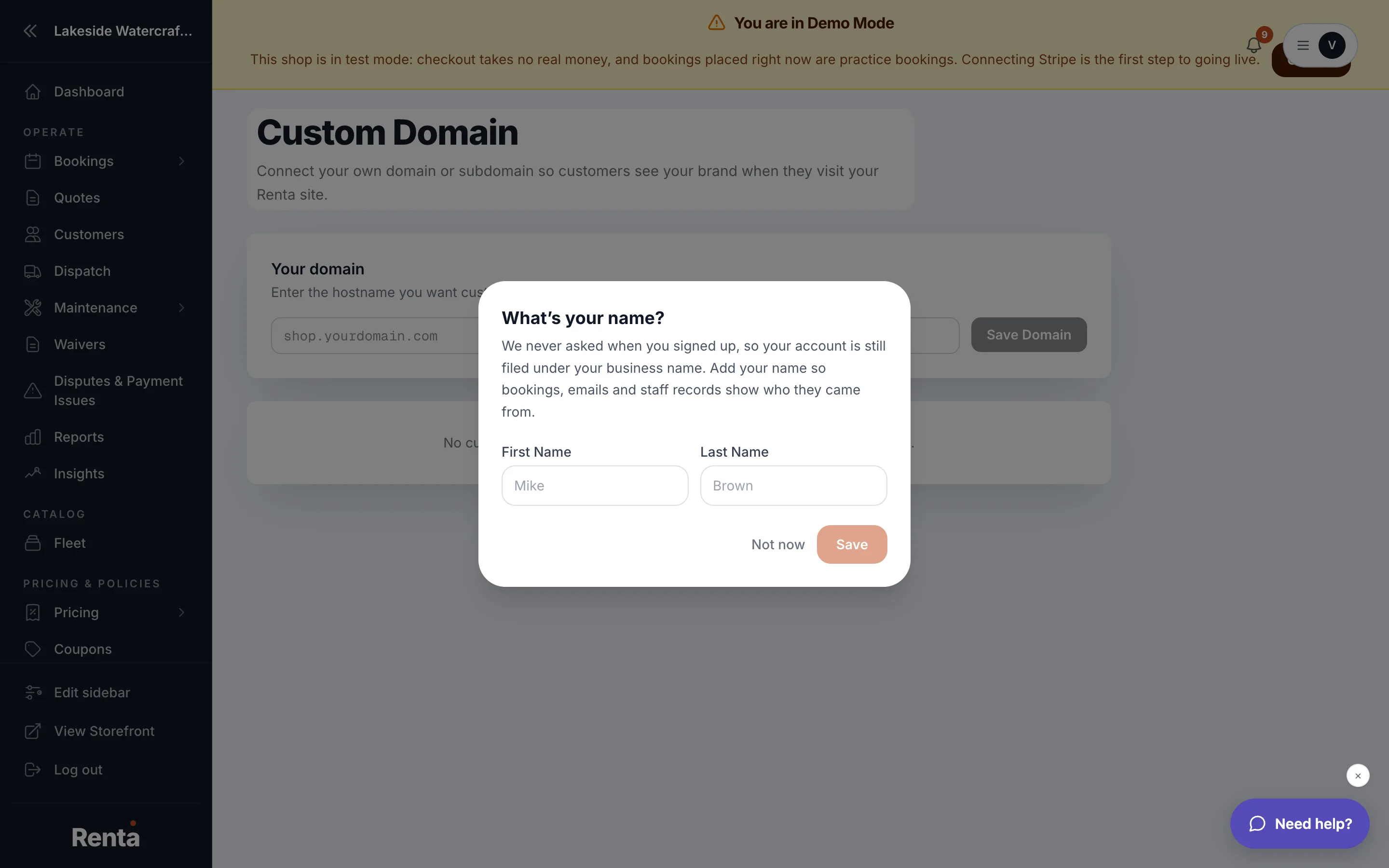 The Domain settings page showing the DNS records to add
How it works
- After you enter your domain and save, Renta shows you the exact DNS records to add at your domain registrar (like GoDaddy or Namecheap) — usually a CNAME record.
- If Renta needs to confirm you actually own the domain, it also shows a TXT verification record to add. You add this once at your registrar, then click Verify with Vercel — Renta checks automatically for up to about 10 minutes.
- Once your DNS records are in place and verified, your domain shows as connected and visitors are sent to your Renta site.
- Step-by-step instructions for finding the right settings at your specific registrar are shown on the same page.
Example
If you already own "alpmxadventures.com," you'd enter it here, then go to your registrar's DNS settings and add the CNAME record Renta shows you, pointing your domain at Renta's servers.
Good to know
- DNS changes can take time to spread across the internet — if your domain doesn't verify right away, wait a bit before assuming something's wrong.
- You still need the `www` version's CNAME record added too if you want both the bare domain and the "www." version to work.
- This is a technical, one-time setup — you'll likely need whoever manages your domain registrar account to make the actual DNS change if that isn't you.
Related
Still stuck? Ask the chat.