Reusable item templates
Save a fully-configured item as a template so future items of the same type start pre-filled.
Where to find it
Fleet → Item Templates
If you add many similar items — ten identical kayaks, say — a template lets you set up the pricing, requirements, and other details once, then reuse them every time you add a new item of that type.
Where to find it
Fleet → Item Templates. You create a template from an existing item's Review & Publish tab, using Save as Template.
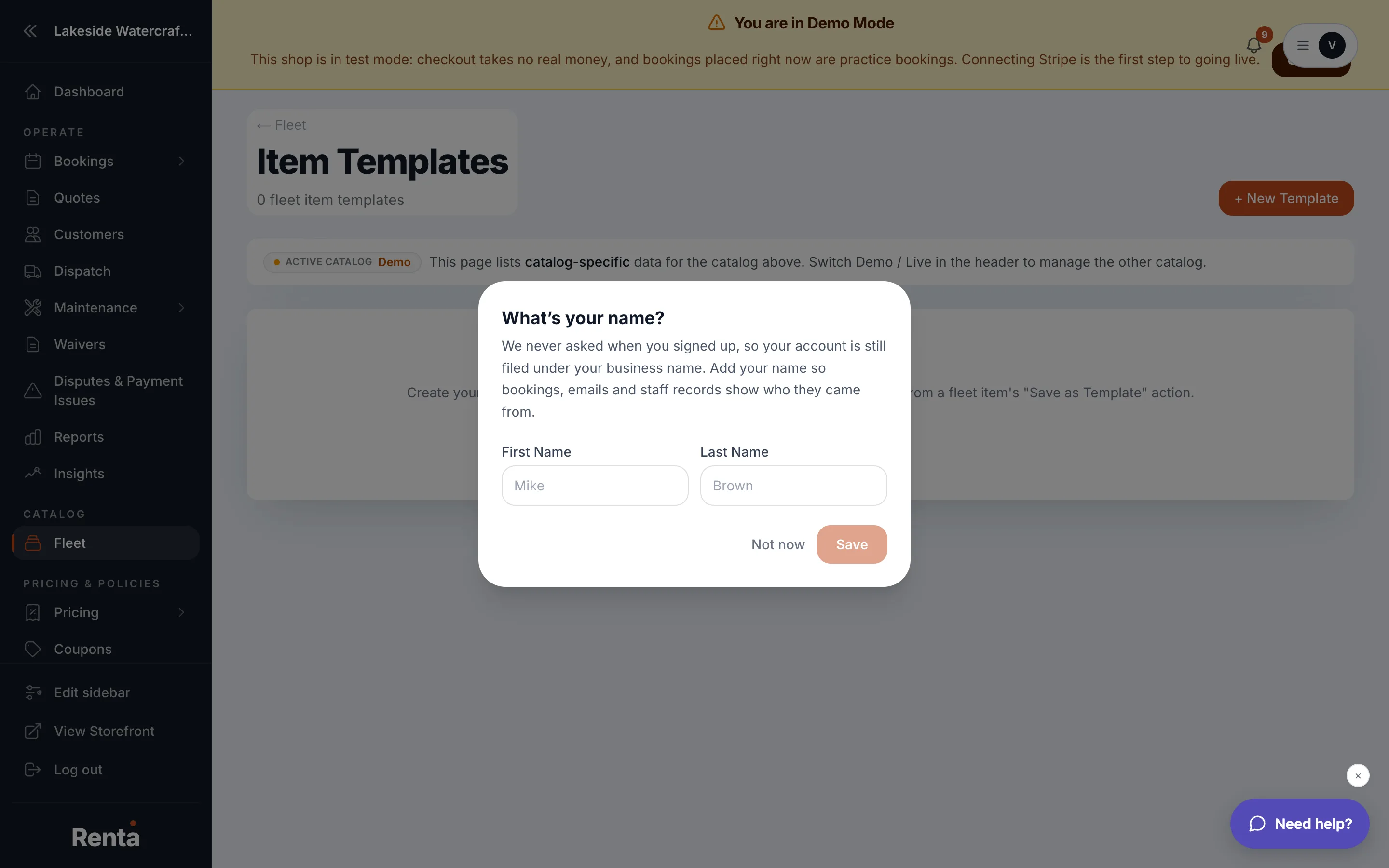 The Item Templates gallery
How it works
- Template Gallery — a grid of your saved templates.
- Template Name, Preview Image, Field Count ("X fields pre-filled") — shown on each template card.
- Edit template — opens the template's own editor, which mirrors the regular item editor but always saves as a template. It has no "Publish Live" toggle and no Add-ons & Maintenance tab, because a template isn't a live item and doesn't track physical units.
- Use as new item — starts a new fleet item pre-filled with everything the template has saved.
Good to know
- If you haven't saved a template yet, the page shows "No item templates yet" with a shortcut to create one from a new item.
- Templates save time on repeat item types but don't create the item for you — you still confirm and publish each one individually. See Publishing an item to your storefront.
Related
Still stuck? Ask the chat.