How many people are visiting your site
Visitor counts, where they come from, and which pages they view most on your public booking site.
Where to find it
Insights → Traffic tab
The Traffic tab shows how many people are visiting your public booking website, where they're coming from, and which pages get the most attention.
Where to find it
Go to Insights, then the Traffic tab.
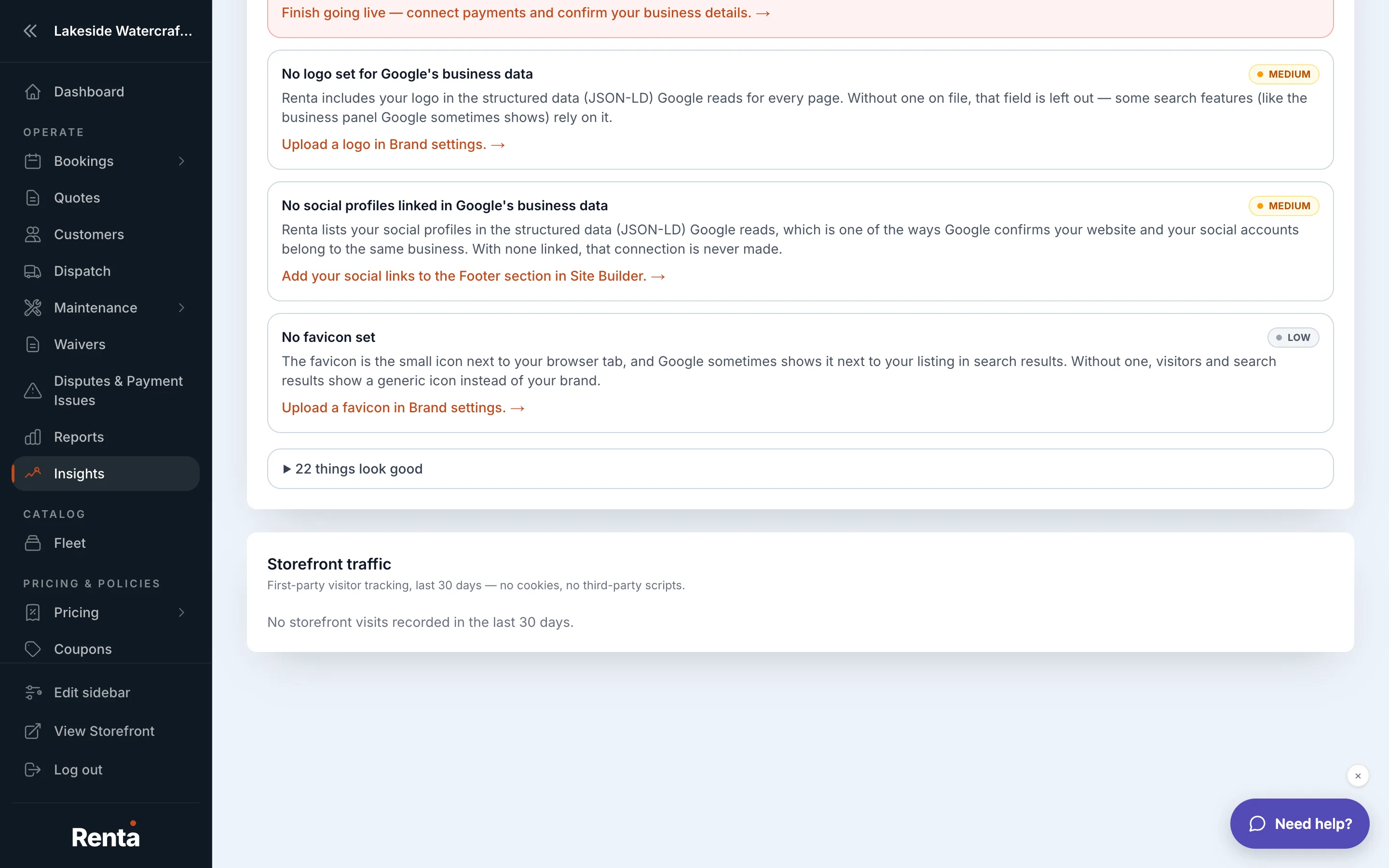 The Traffic tab's visitor overview and top pages table
How it works
- Visitor overview — total visits, unique visitors, bounce rate (the share of visitors who leave after viewing just one page), and average time spent on your site, for today, this week, or this month
- Traffic by source — a breakdown of where visitors came from: typed your address directly, found you through search, clicked a link from another site, or came from social media
- Top pages — which pages get the most visits and how well they convert into bookings
For example: if Traffic by source shows most of your visitors come from search rather than social media, that's a sign to invest more in SEO than in social ads.
Good to know
- Opening this tab requires reporting permission — if you can't see it, ask an owner or manager to grant access.
- Renta's own visitor counting is separate from any Google Analytics you install yourself — see Renta's own tracking vs. yours for the difference.
Related
Still stuck? Ask the chat.