Approving and linking customer reviews
Moderate pending customer reviews and manage links to your Google, Yelp, or other review pages.
Where to find it
Insights → Reviews tab
This tab is where you approve new customer reviews before they're shown publicly, manage the links to your review pages on other sites, and ask customers directly for a review.
Where to find it
Go to Insights, then the Reviews tab.
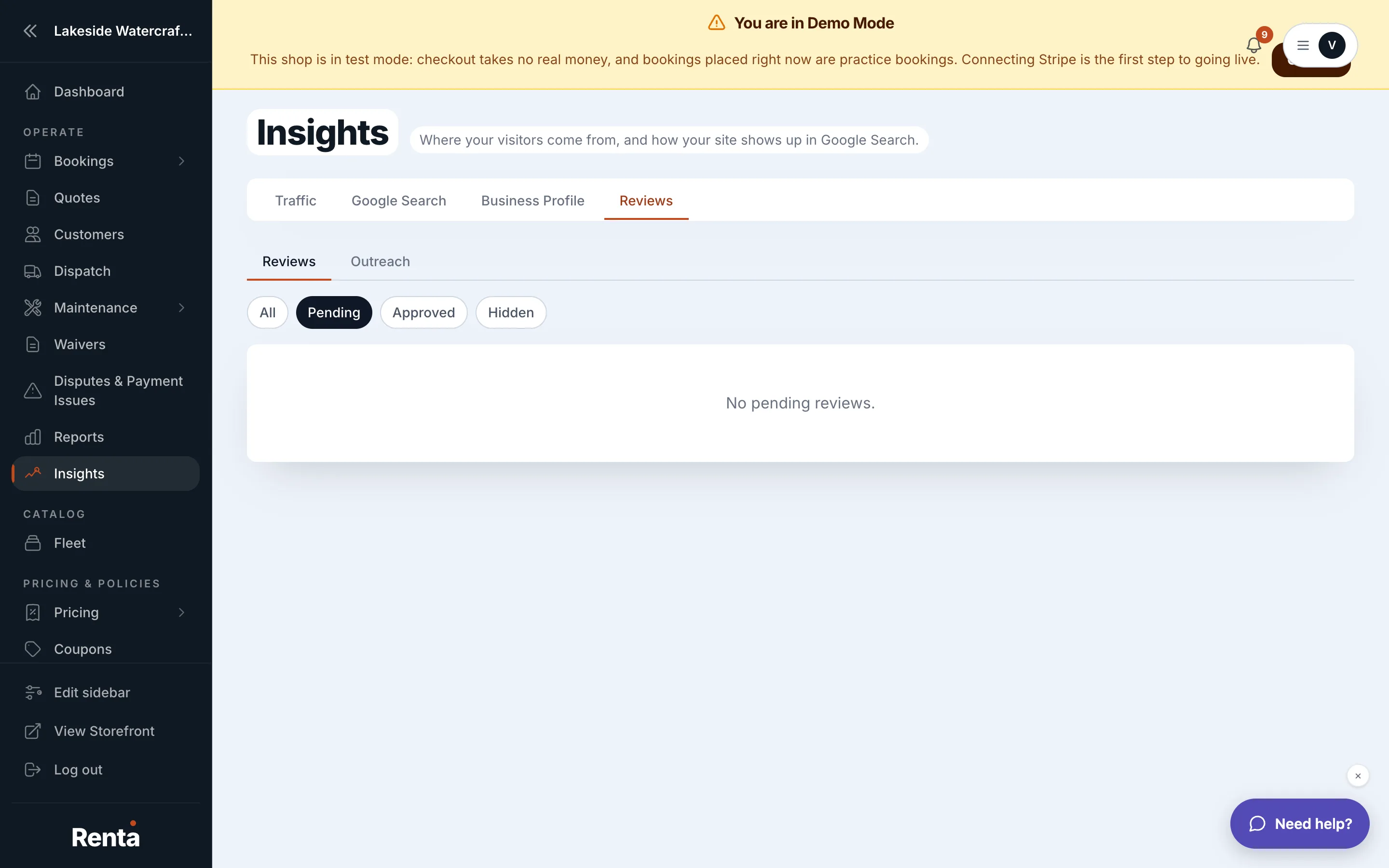 The Reviews tab's pending reviews list
How it works
- Pending reviews — new reviews waiting for your approval before they appear anywhere public
- Review links — an editable list of your external review pages (Google, Yelp, and similar), which you can add, edit, delete, and reorder
- Email review request — a button to send a review request email to a specific customer, if you have permission to manage reviews
For example: if a customer leaves a great review after their rental, approving it here can make it eligible to display on your storefront, and requesting a review from your best repeat customers can help build up your public rating over time.
Good to know
- Seeing this tab requires review-viewing permission; sending review requests and editing links requires review-management permission — ask an owner or manager if either is missing.
- This is separate from reviews already posted on your actual Google Business Profile — see Your Google Business reviews in one place for those.
Related
Still stuck? Ask the chat.