Renta's own tracking vs. yours
The difference between Renta's built-in visitor counting and the Google Analytics (GA4) property you connect yourself.
Where to find it
Settings → Analytics
Renta counts your website's visitors on its own, but you can also connect your own Google Analytics (GA4) property if you want more detailed tracking, or already use one for other tools. This page is where the two connect.
Where to find it
Go to Settings, then Analytics.
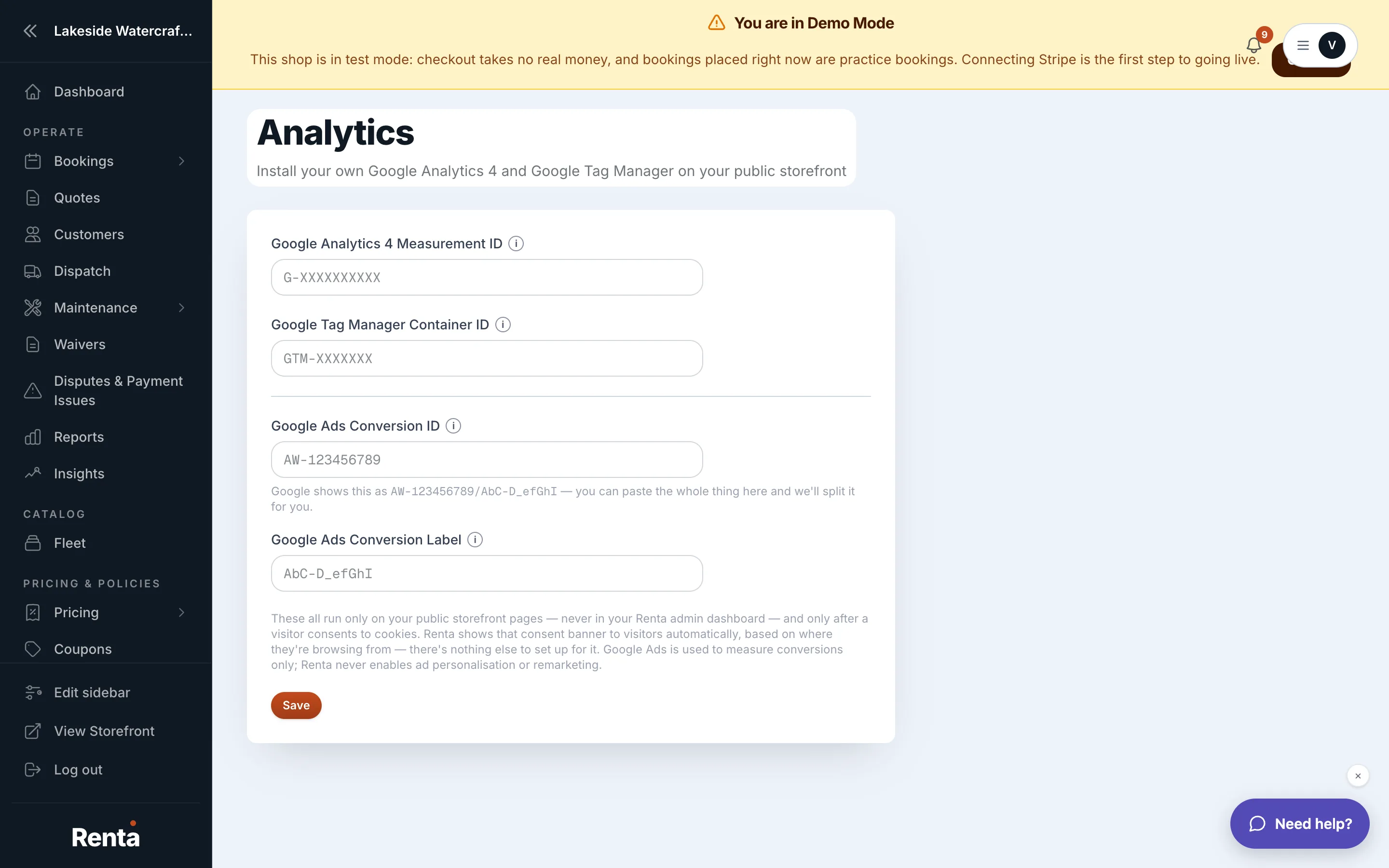 The Analytics settings page with the GA4 property ID field
How it works
- Renta's GA4 property ID — a field for the Google Analytics property you want Renta to send events to, if you have one
- Storefront events tracking — Renta's own first-party visitor tracking, which works even if you never set up Google Analytics
For example: if you already use Google Analytics for your business's other marketing, plugging your GA4 property ID in here means your Renta storefront's visits show up right alongside the rest of your data.
Good to know
- This page controls the setup only, not the traffic numbers themselves — to see actual visitor traffic, go to How many people are visiting your site.
- If you don't set a GA4 property, Renta's own storefront tracking still runs, so you're not left without any visitor data.
Related
Still stuck? Ask the chat.