Sending a one-off email to a customer
Pick a customer, start from a template or a blank message, and send an email from the Communications inbox.
Where to find it
Communications → Compose
Compose lets you write and send an email to any customer, starting either from a blank message or from one of your saved templates.
Where to find it
Communications → Compose
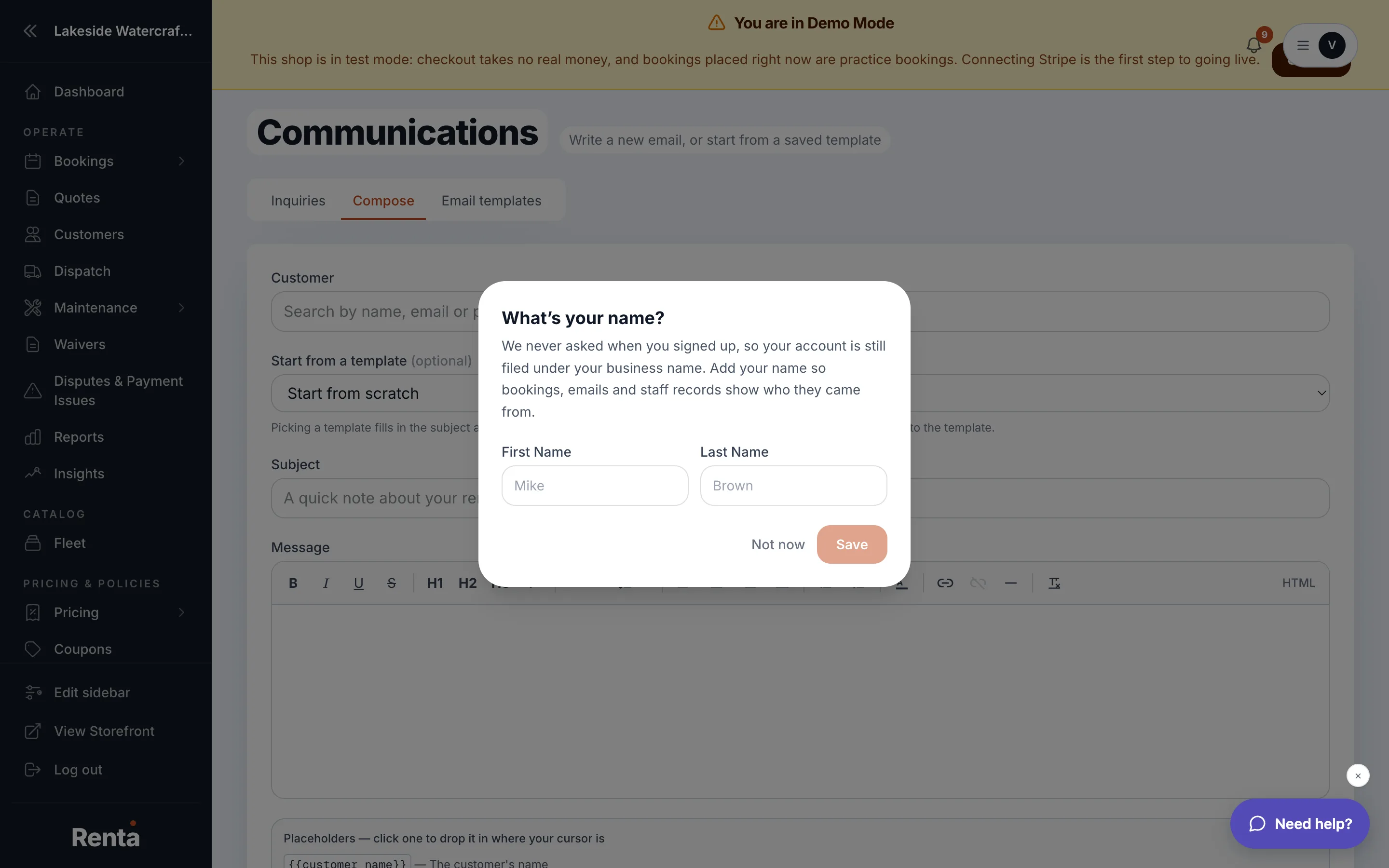 The Compose email screen with template selector, customer picker, and body
How it works
- Template selector — pick a saved template to pre-fill the subject and body, or choose "Start from scratch."
- Customer picker — search for and select the recipient.
- Subject line — required.
- Email body — required; plain text or formatted.
- Send email — dispatches the email once subject, body, and a recipient are all filled in.
- Preview / Refresh preview — shows exactly what the email will look like before you send it.
Example
You want to let five regular customers know about a new drop-off location. Instead of writing the same message five times, you save it as a template once, then use Compose to send it to each customer in turn.
Good to know
This is different from Emailing one customer directly, which opens the same kind of composer but starts from that customer's own profile page instead of the Communications inbox. Templates used here are the same ones managed in Automated emails Renta sends for you.
Still stuck? Ask the chat.