Contact-form leads and live chat in one inbox
Website contact-form submissions and live chatbot conversations, side by side in one inbox.
Where to find it
Inquiries
The Communications page brings together two kinds of leads: messages submitted through your website's contact form, and live conversations from your chatbot, if you have one connected.
Where to find it
Communications
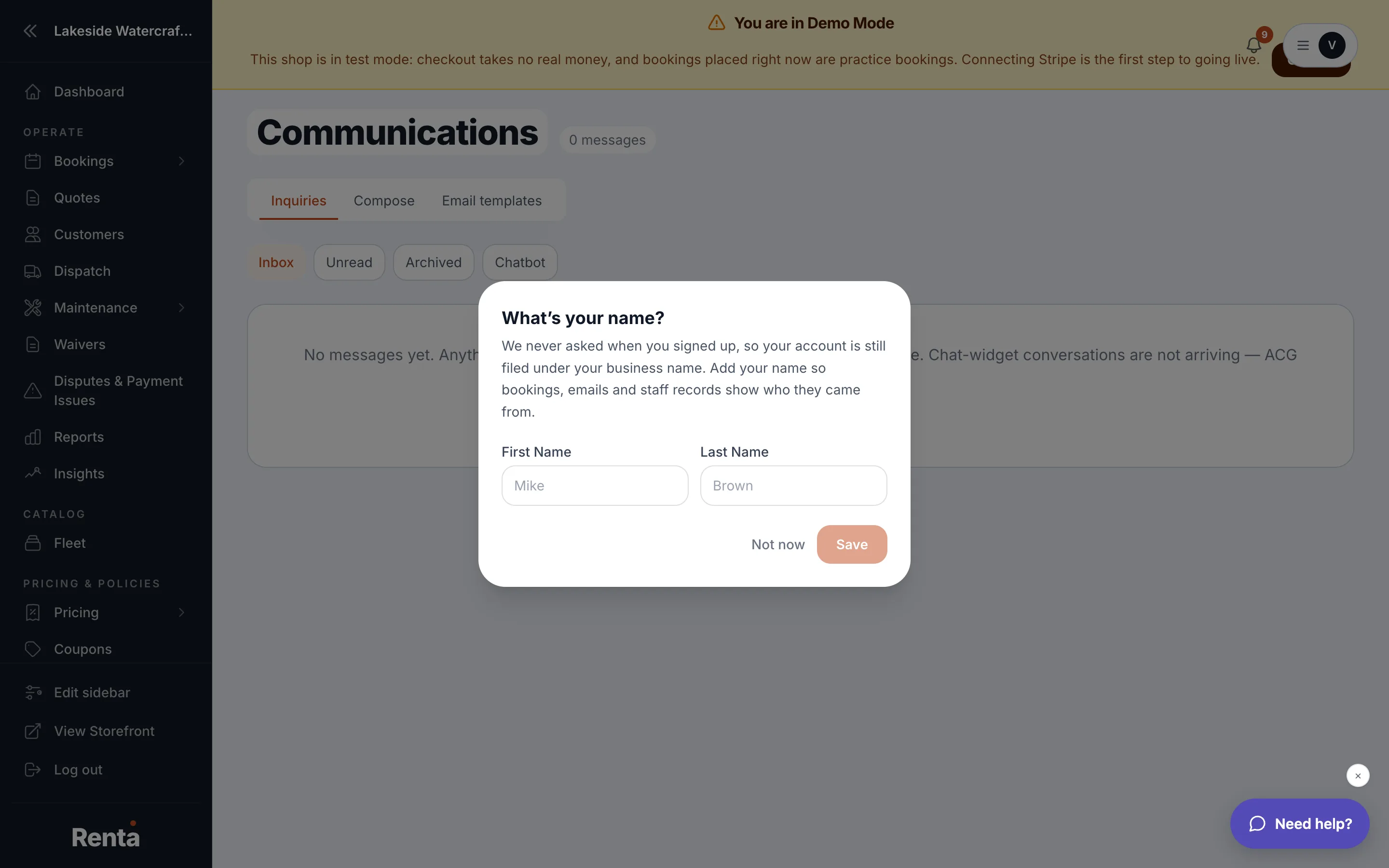 The Communications inbox showing the Inbox, Unread, Archived, and Chatbot tabs
How it works
- Inbox — the default tab, showing both unread and already-read contact-form leads.
- Unread — contact-form leads you haven't opened yet. Live chats don't have a separate read/unread state yet, so they always show under Inbox.
- Archived — contact-form leads you've filed away. Live chats can't be archived yet.
- Chatbot — only appears if you have a chatbot connected; shows live chat conversations only.
- Search box — searches leads by name, email, or message text.
- Mark unread / Archive — actions on each contact-form row.
Example
A visitor fills out your "Contact us" form asking about weekend availability. It appears as an unread lead in the Inbox tab with a blue dot next to it until someone opens it.
Good to know
If the Chatbot tab is empty, the message tells you why: chat isn't turned on for your account yet, your chat connection needs to be reconnected, or it's connected but nobody has messaged yet.
Still stuck? Ask the chat.