Reviews and FAQ widgets
Show your customer reviews in a list, grid or carousel, and answer common questions in a collapsible FAQ list.
Where to find it
Website → open a page → Widget picker → drag "Reviews" or "FAQ" onto the canvas
The Reviews widget shows your customer reviews to build trust. The FAQ widget answers common questions in a list visitors can expand.
Where to find it
Website → open a page → drag Reviews or FAQ from the widget picker.
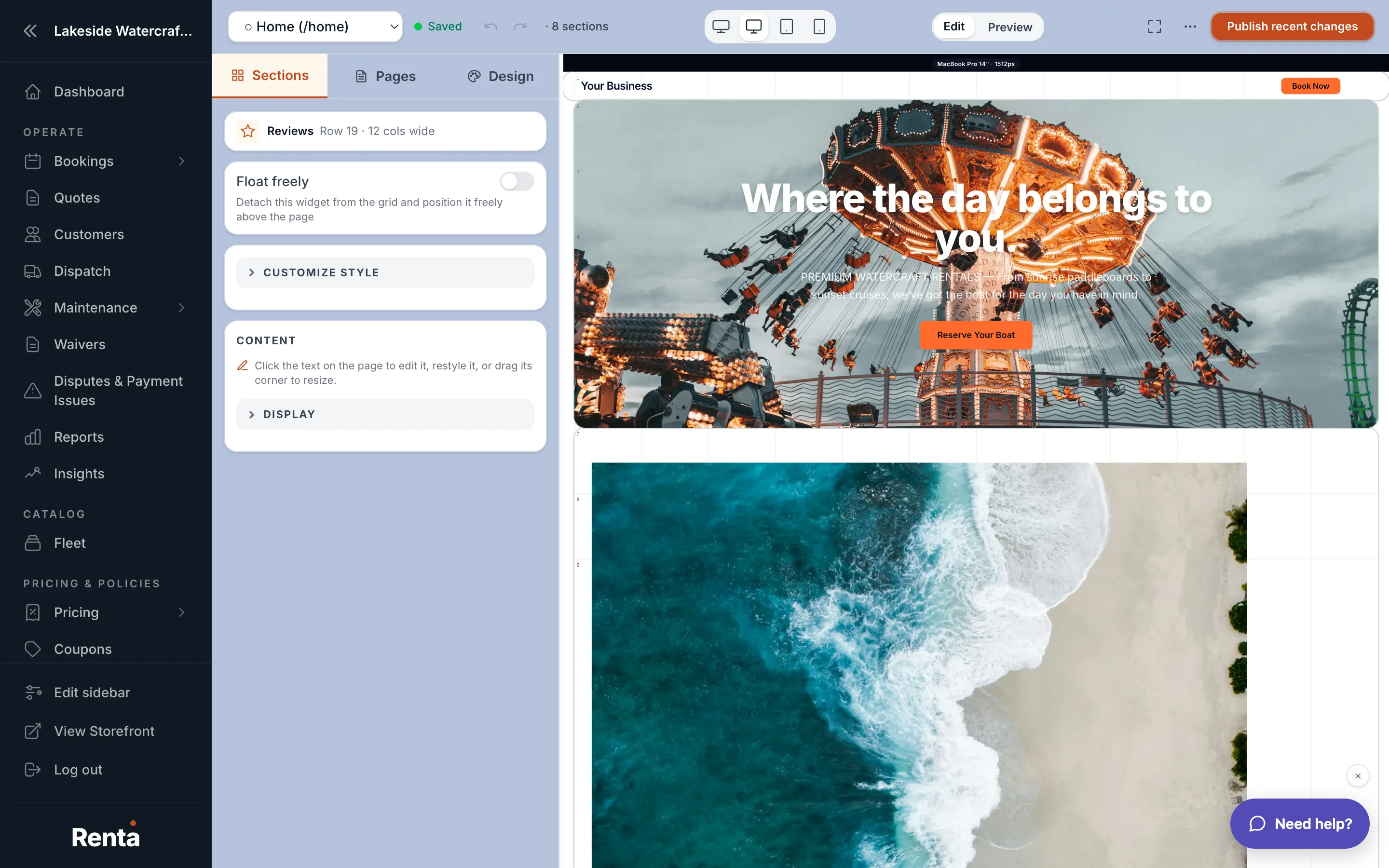 The Reviews widget and FAQ widget stacked on a page
How it works
Reviews
- Heading: the title above the reviews.
- Number of reviews: how many to display, or leave unset to show all.
- Show rating: whether the star rating is shown alongside each review.
- Layout: grid, carousel (scrollable row), or list (stacked).
FAQ
- Heading: the title above the questions.
- Items: your list of question-and-answer pairs. Add as many as you need.
Example
A gear rental shop might add an FAQ widget near checkout answering "Do I need a reservation?" and "What's your cancellation policy?" so customers don't have to email to find out.
Good to know
- The Reviews widget shows reviews you've already collected in your Renta account — it doesn't fetch anything from an outside review site directly on this widget's settings.
- Keep FAQ answers short; visitors expect a quick answer, not a full page of text, when they click a question open.
Related
Still stuck? Ask the chat.