Every text message Renta has sent or received
A searchable log of outbound and inbound text messages, with delivery status for each one.
Where to find it
Settings → SMS → Message Log tab
The Message Log is a searchable record of every text message Renta has sent to or received from your customers, including ones that were skipped.
Where to find it
Settings → SMS → Message Log tab.
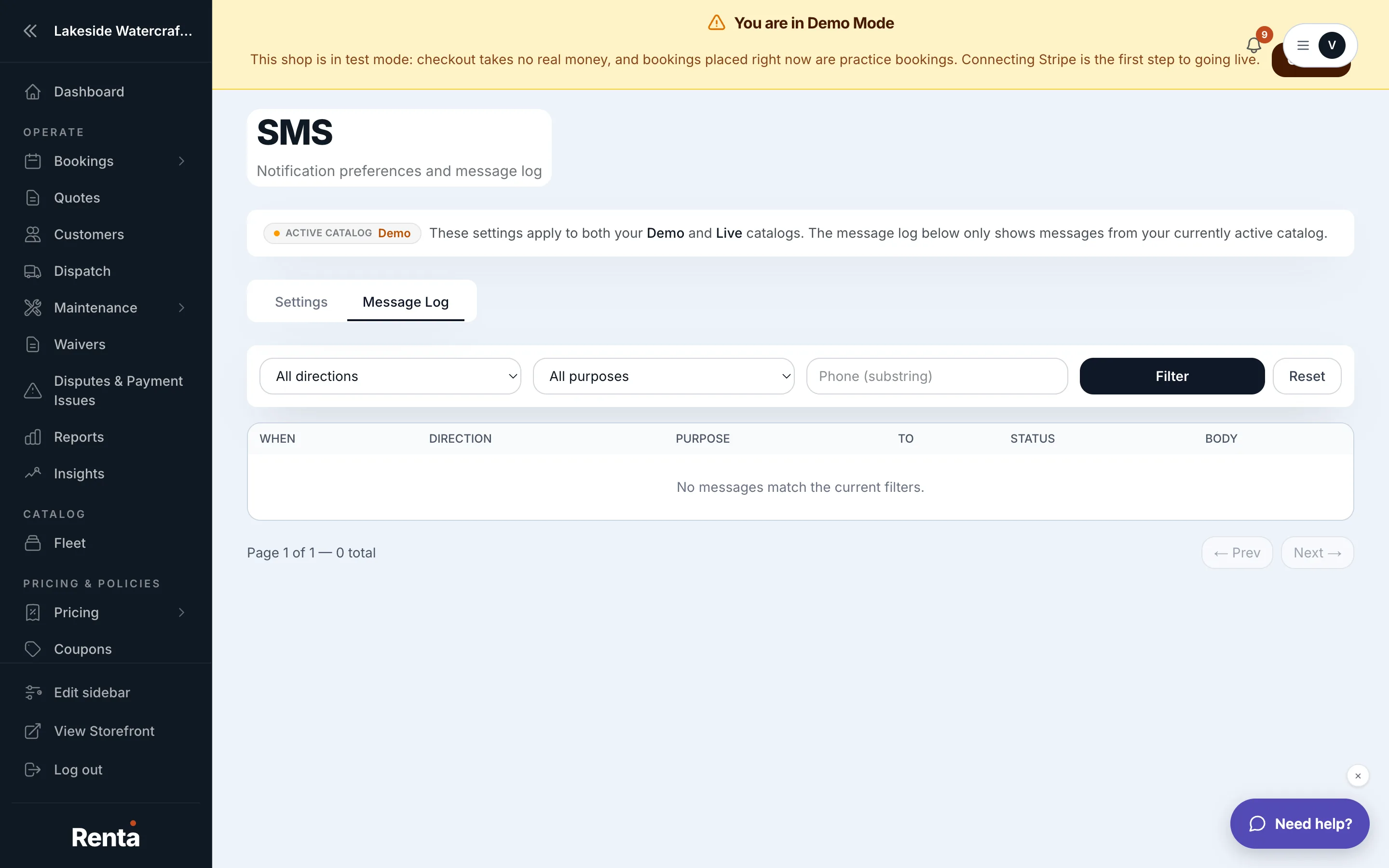 The Message Log tab showing direction, purpose, and status columns
How it works
- Filter row — narrow the log by Direction, Purpose, or Phone number.
- Direction — Outbound, Inbound, or Skipped (with a reason such as no consent, invalid number, or demo mode).
- Purpose — what triggered the message: booking confirmation, pre-ride reminder, waiver reminder, payment link, admin resend, magic link, and others.
- Phone — search by a customer's phone number.
- Message table — one row per message, showing When it was sent, Direction, Purpose, the phone number To / From, and Status (Delivered, Sent, Queued, Failed, or Received).
Example
If a customer says they never got a booking confirmation text, filter this log by their phone number to see whether it was sent, delivered, or skipped — and if skipped, why.
Good to know
- A "Skipped" entry doesn't mean something broke — it usually means the customer hadn't consented to texts, or their number was invalid.
- Which message types go by SMS at all is controlled in Notification preferences.
Related
Still stuck? Ask the chat.