Tracking which bookings still need a signed waiver
See upcoming pickups without a signed waiver, and send or resend the waiver link.
Where to find it
Waivers
The Waivers page lists bookings by pickup status and flags any upcoming pickup that doesn't have a signed waiver yet, so nobody drives off without one.
Where to find it
Waivers
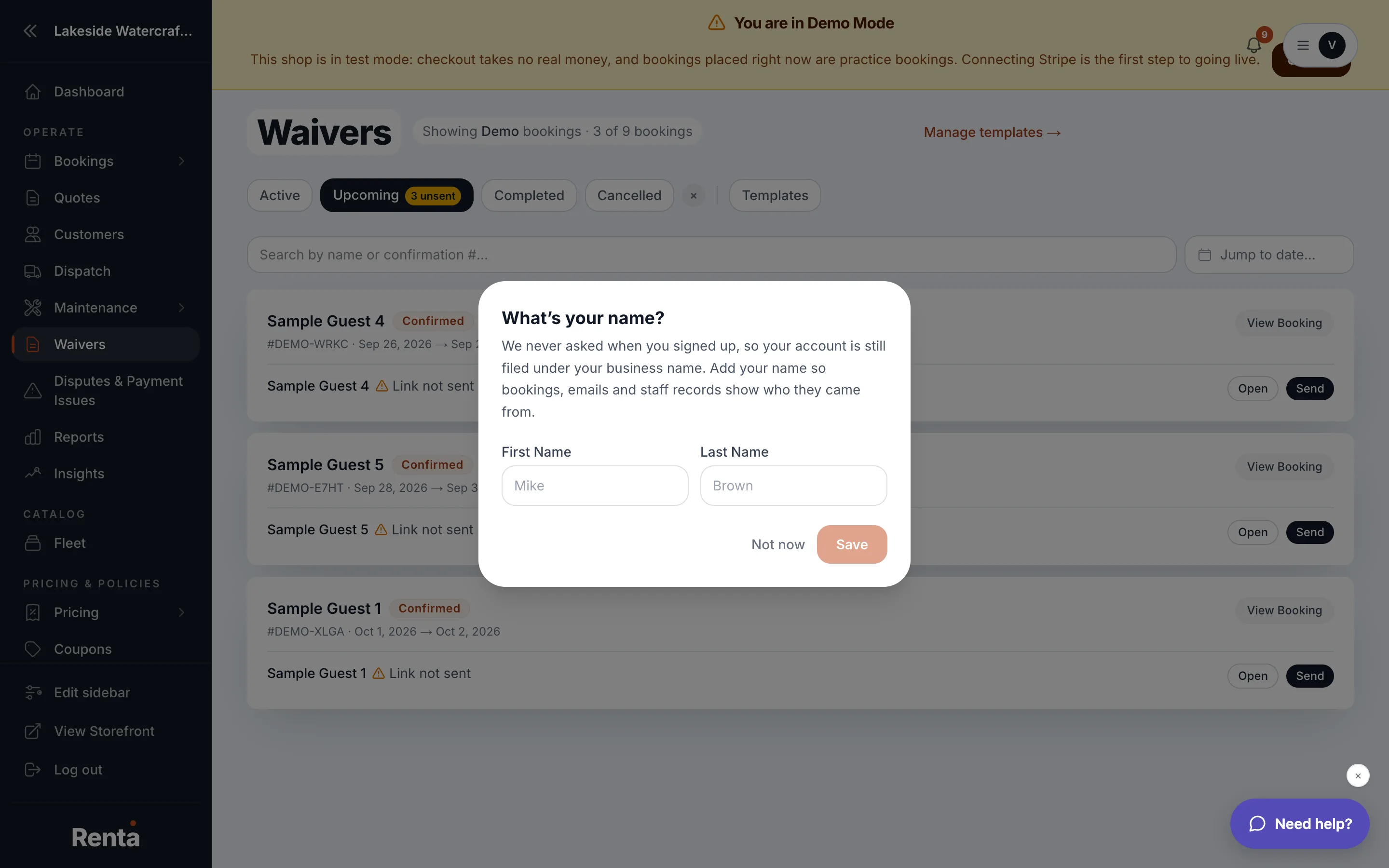 The Waivers page with the Upcoming tab and unsent-waiver badge
How it works
- Active, Upcoming, Completed, Cancelled — tabs for where a booking is in its lifecycle.
- Upcoming shows a badge counting bookings starting soon with no waiver sent — a quick look-ahead so you can chase them down before pickup day.
- Customer search and Date range picker — narrow the list down.
- Each row shows the booking number, customer, pickup and return dates, booking status, and waiver status: Completed, Awaiting signature, or Link not sent.
- Send — emails the waiver link to the customer (shown when the status is Link not sent).
- Resend — sends the link again if it's already gone out but isn't signed yet.
- Open — opens the signing page in person, for a customer signing on a shared device at your counter.
Example
Three bookings are picking up tomorrow and one of them shows "Awaiting signature" in the Upcoming tab. Staff click Resend on that row that afternoon so it's signed before the customer arrives.
Good to know
Which waiver form gets sent depends on your active template — see Building your waiver forms. If you're testing in Demo mode, this page and Live mode use separate waiver templates, so what you see here matches whichever mode you're currently in.
Still stuck? Ask the chat.