Setting your site-wide colors, fonts and spacing (Theme)
Your theme sets the colors, fonts, and spacing every widget on your site inherits, so your whole site matches without editing each widget.
Where to find it
Website → Theme tab
Your theme is the set of colors, fonts, and spacing that every widget on your site uses by default. Change a color here and it updates everywhere that color is used, instead of editing each widget one at a time.
Where to find it
Website → Theme tab (next to your page tabs).
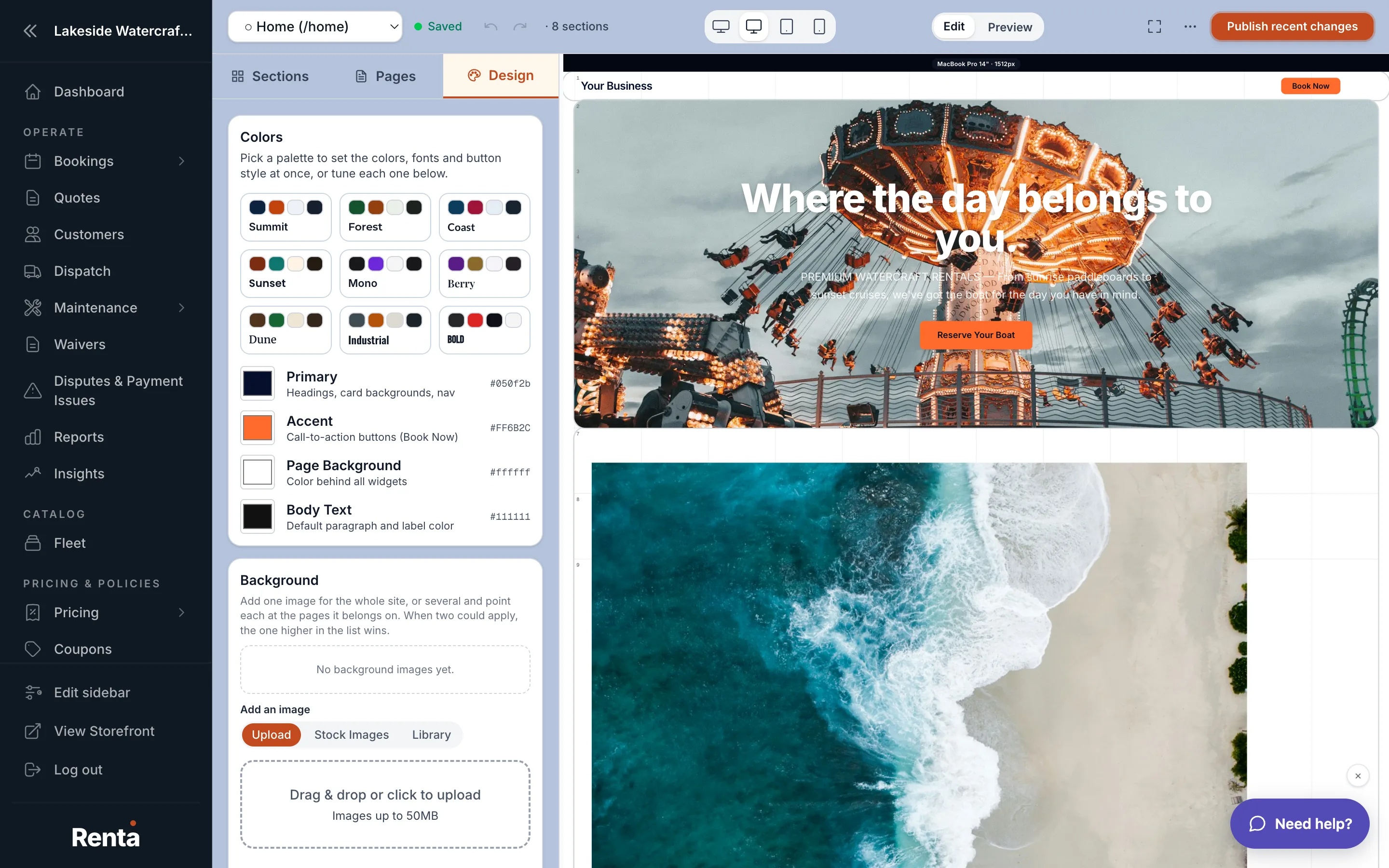 The Theme tab with color swatches and font pickers
How it works
- Primary color: your main brand color. Default is a dark navy (#050f2b).
- Secondary color: your accent/highlight color, used on buttons like Book Now. Default is orange (#FF6B2C).
- Accent color: a third highlight color. Default amber (#f59e0b).
- Background color: your page's background. Default white.
- Surface color: card and panel backgrounds. Default a light gray (#f8f9fa).
- Text color: your main body text color. Default near-black (#111111).
- Muted text color: secondary/lighter text. Default gray (#555555).
- Heading font and Body font: the fonts used for headings versus paragraph text. Default is Inter for both.
- Button style: corner roundness (default 8px) and text weight (default semibold).
- Widget style: how each widget's background looks — Card (solid panel), Transparent (also called "Glass," a frosted panel), or the plain flat look with no frame (default).
- Widget corner radius: how rounded widget corners are, in pixels. Default 16.
- Widget gap: buffer space between widgets. Off by default (0px).
- Border width: how much side margin your page content has. Default "thin."
Example
If your business uses a forest-green brand, you'd set Primary to that green — every button, heading accent, and highlighted element across your whole site updates to match, without touching each individual page.
Good to know
- A widget can still override its own color or font individually — the theme is just the default every widget starts from.
- Changing the theme applies across every page at once, so double-check it on a couple of pages before publishing.
- Screen size (tablet/mobile) has its own separate override system — see Making your site look right on phones and tablets.
Related
Still stuck? Ask the chat.