Your whole fleet's asset value
See total purchase cost, wear-based current value, and (optionally) a scheduled book value across every tracked unit.
Where to find it
Fleet → Depreciation portfolio
While each unit tracks its own depreciation, this page rolls every individually-tracked unit up into one view, so you can see what your whole fleet is worth right now.
Where to find it
Fleet → Depreciation portfolio.
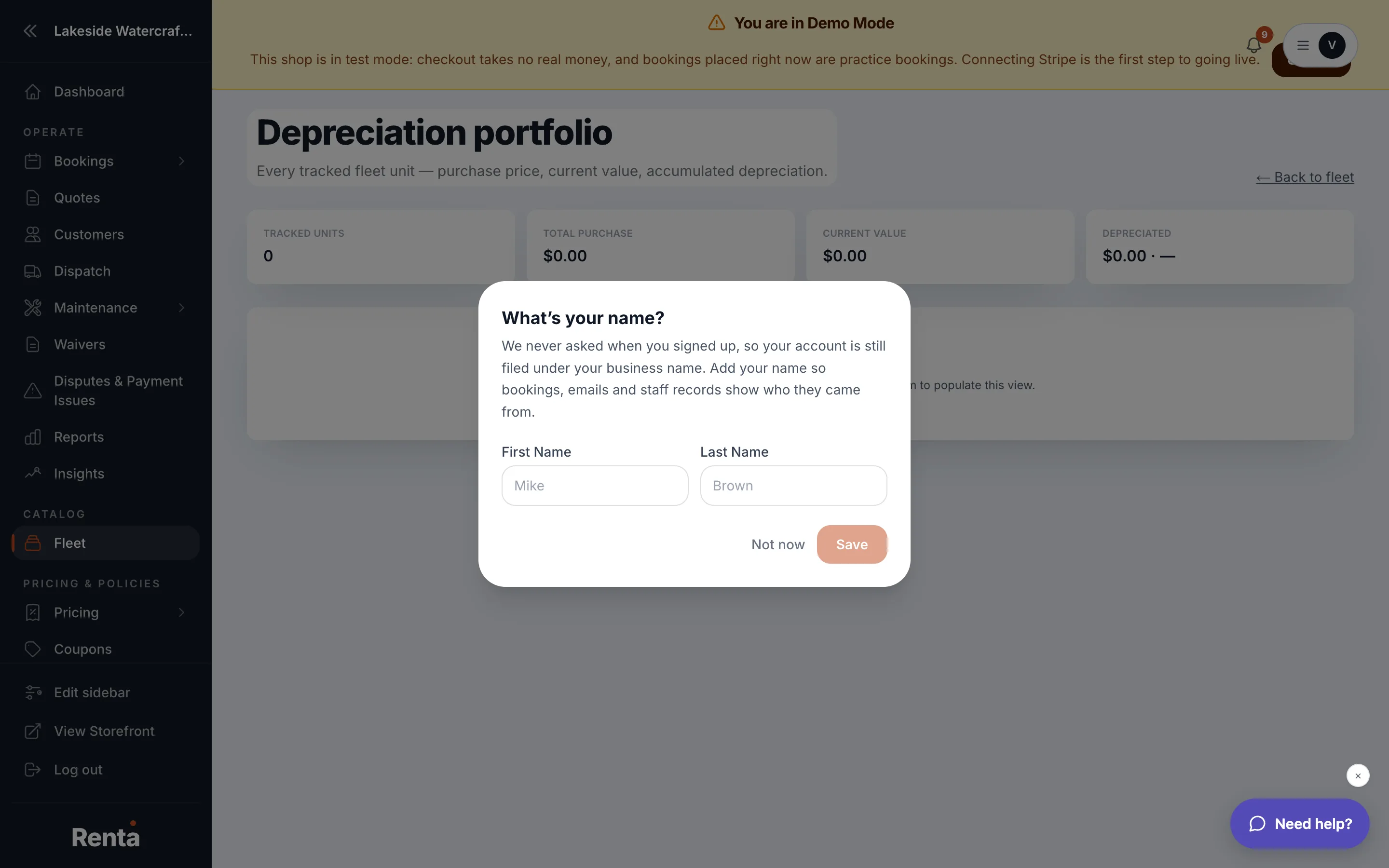 Fleet-wide depreciation totals and the optional Book Value on Schedule section
How it works
Four summary numbers, based on wear (how much each unit has actually been used):
- Tracked units — how many units have per-unit tracking and a purchase price on file.
- Total purchase — what you paid for all tracked units combined.
- Current value — what those units are worth now, after wear-based depreciation.
- Depreciated — the total dollar amount lost, plus the average percentage lost across the fleet.
If at least one unit has a full depreciation schedule set up (cost, expected salvage value, and useful life), a second section appears:
- Book value on schedule — shows how many of your units have a schedule, then Cost basis, Accumulated depreciation, and Book value for just those scheduled units, calculated in whole-month periods.
Example
If you've bought 5 jet skis for $8,000 each ($40,000 total) and wear has brought their combined current value to $28,000, the top cards show Total purchase $40,000, Current value $28,000, Depreciated $12,000. If you've also set a 5-year depreciation schedule on those units, the Book Value section shows a separate, straight-line figure for your accountant.
Good to know
- The two value numbers are not the same thing and won't match: Current value reflects actual wear and usage; Book value is a scheduled figure from the cost, salvage value, and useful life you assigned. Renta says so directly on the page.
- The Book Value schedule is meant to hand to your accountant. It is not tax advice — it is not MACRS, Section 179, or bonus depreciation, and it isn't filing-ready.
- If the page shows "No tracked units yet," turn on per-unit tracking and set a purchase price on a fleet item first — see Item variants: color, size, and other options and How a unit's value depreciates over time.
Still stuck? Ask the chat.