Managing group tours
Set up the tour types your business offers, with duration, price, and capacity, if you run tours.
Where to find it
Tours (left sidebar, if your business type includes tours)
If your business runs group tours, this page is where you set up the tour options customers can book — not individual scheduled departures, but the tour types themselves.
Where to find it
Click Tours in the left sidebar (only shown for businesses set up to offer tours).
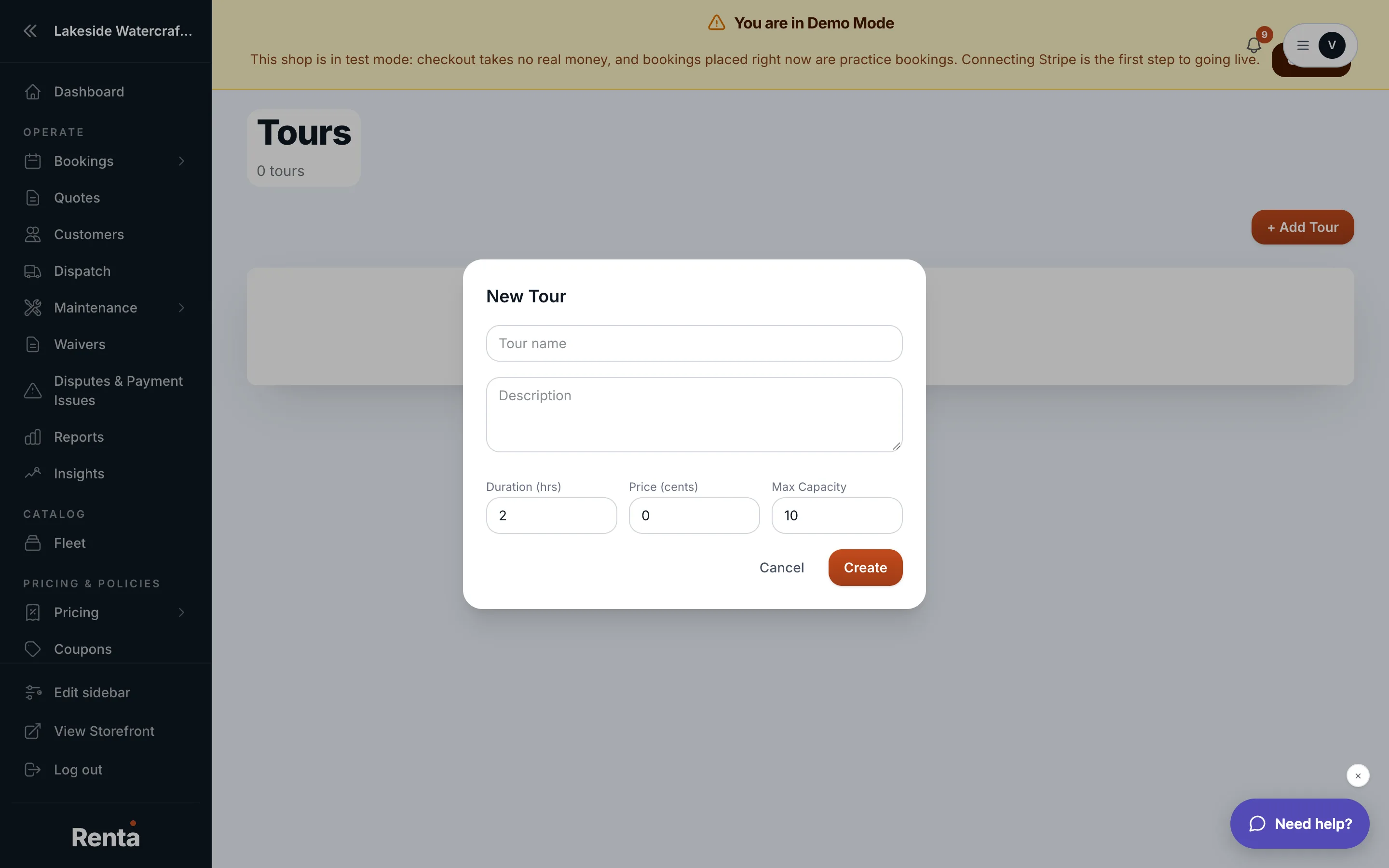 The Tours page with the New Tour form
How it works
Each tour has:
- Name — what the tour is called.
- Description — shown to customers.
- Duration (hrs) — how long the tour runs, in half-hour increments.
- Price — the cost per booking.
- Max Capacity — the most people that can join at once.
Click + Add Tour to create a new one, or click an existing card to edit it. Tours are shown 50 per page.
Example
If you run a two-hour guided ATV tour that fits 8 riders, set it up once here with its price and capacity — customers then book it like any other rental item.
Good to know
- This page defines the tour offering itself; actual customer bookings for a tour are handled through the normal booking tools, not tracked separately here.
Related
Still stuck? Ask the chat.