Selling and redeeming gift cards
Prepaid balances customers can buy and redeem at checkout — and money your business owes back until they're used.
Where to find it
Gift Cards
A gift card is a prepaid balance a customer buys (or you issue), which can be redeemed toward a booking at checkout. Until it's redeemed, that money is a liability — your business is holding cash it still owes as a rental.
Where to find it
Gift Cards in the main menu.
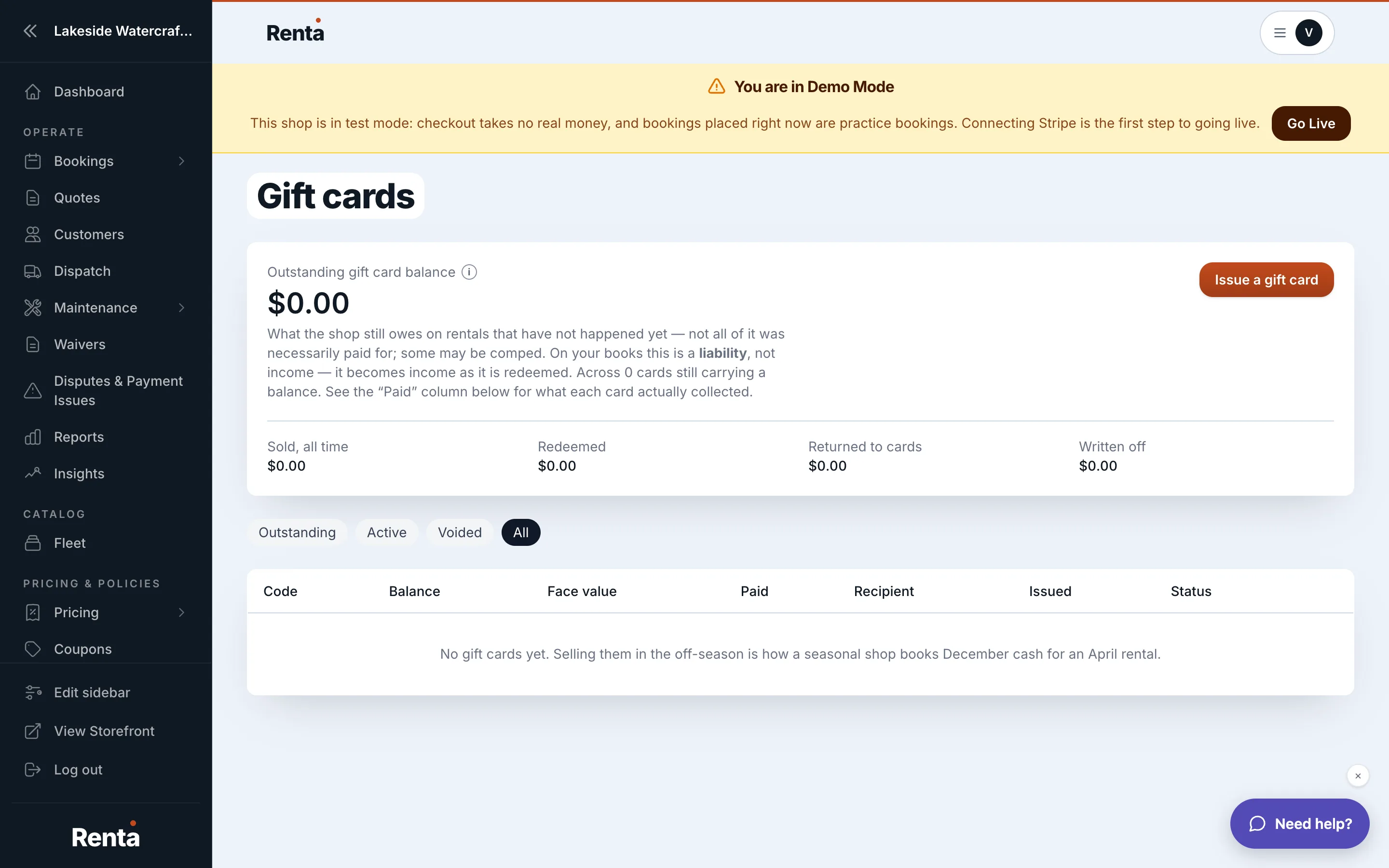 The Gift Cards table with the liability summary
How it works
- Total outstanding — a summary at the top showing the combined balance of every active card that still has money on it. This figure always excludes cards created in Demo mode, no matter which mode you're currently viewing — it's meant to reflect only your real obligation to real customers.
- Card table columns — Code, recipient name, amount issued, amount remaining, status, issued date, and expiration (if set).
- Status — a card is either Active or Void. The "Outstanding" filter is a view of active cards that still have a balance left — not a separate status.
- View details — shows the card's full redemption history, one row per booking that drew from it.
- Void — marks a card invalid and returns its remaining balance to your outstanding liability record.
- Resend code — emails or texts the card's code to the recipient again.
- Create gift card — set a recipient email, a dollar amount, optional notes, and optionally an expiration date.
Example
You issue a $200 gift card. A customer redeems $75 of it on a booking, leaving $125 remaining. The card stays Active with a $125 balance until it's fully used or you void it.
Good to know
- The "Total outstanding" figure always leaves out Demo-mode cards, so testing with a Demo gift card never inflates the liability number you actually owe.
- Voiding a card doesn't refund money to the customer automatically — it just removes the balance from what you still owe as an outstanding liability, and you handle any actual refund separately.
Related
Still stuck? Ask the chat.