Handling a Stripe dispute or chargeback
Respond to a customer's bank dispute with evidence before Stripe's deadline.
Where to find it
Disputes
A dispute (also called a chargeback) happens when a customer asks their bank or card company to reverse a charge. The Disputes page is where you see these and respond with evidence before the deadline.
Where to find it
Disputes
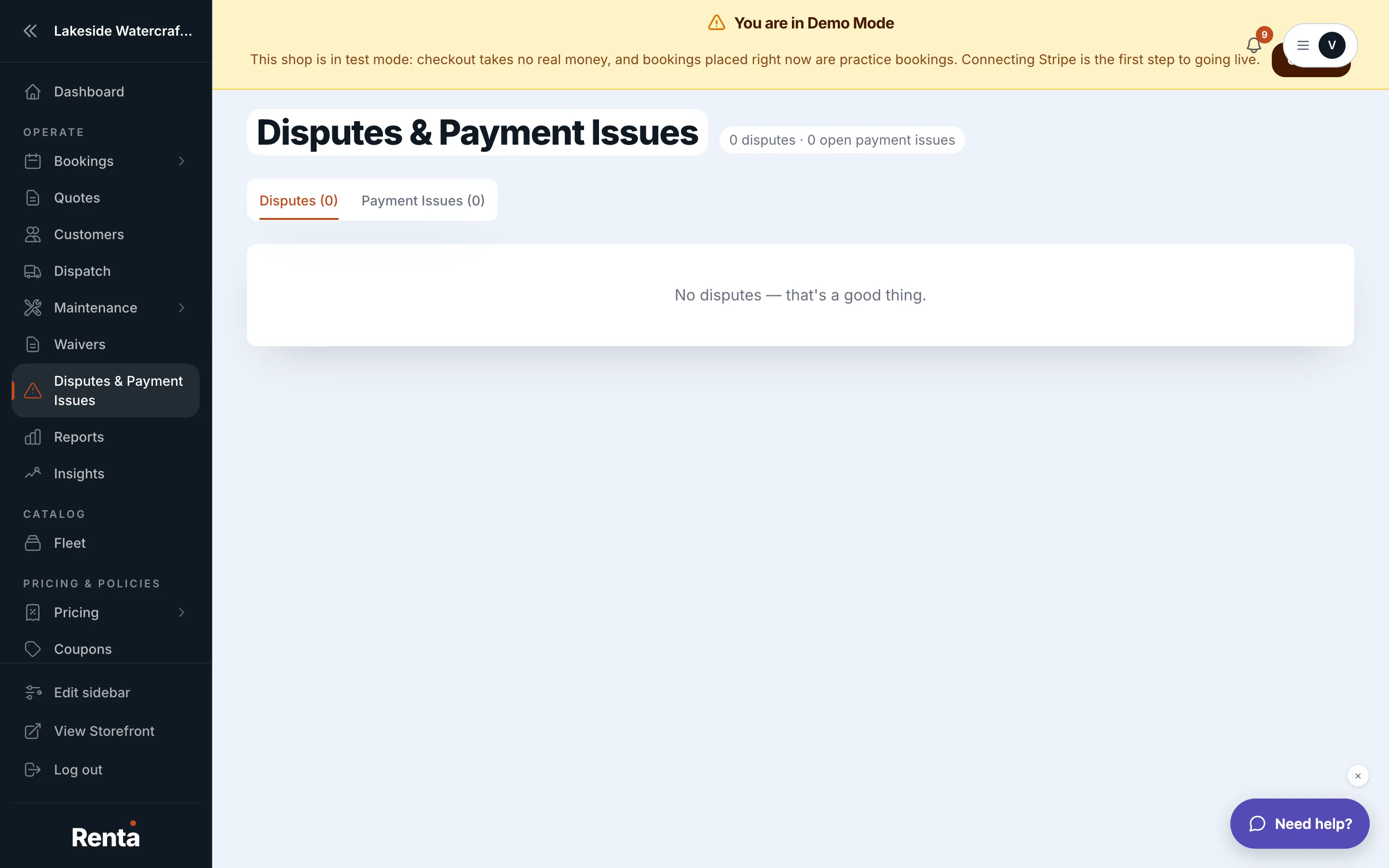 The Disputes table with status badges and a Due by deadline
How it works
- Each row shows the booking number (if linked), customer, disputed amount, and the reason the bank gave (like "duplicate charge" or "item not received").
- Status — Needs review, Submitted, Won, or Lost.
- Due by — the deadline to respond, color-coded: red once it's overdue or within 2 days, amber within 5 days, gray otherwise.
- Evidence summary — a free-text field where you write your response (receipts, booking confirmation, communication with the customer).
- Submit evidence to Stripe — sends your evidence to the card network for review, moving the status to Submitted.
Example
A customer disputes a $200 charge claiming they never rented from you. You add evidence noting the booking confirmation, pickup photo, and signed waiver, then click Submit to Stripe before the due date.
Good to know
Treat anything marked red as urgent — Stripe's own deadline applies regardless of what's shown here. This page shares a tab bar with Failed or stuck booking payments, which is a separate, ongoing problem rather than a bank-filed dispute.
Still stuck? Ask the chat.