Sending a price quote before booking
Give a customer a price estimate that doesn't hold inventory until they accept it.
Where to find it
Quotes (left sidebar)
A quote is a price estimate you send a customer before they commit — unlike a booking, it doesn't hold your inventory, so someone else can still book those dates while the quote is out.
Where to find it
Click Quotes in the left sidebar.
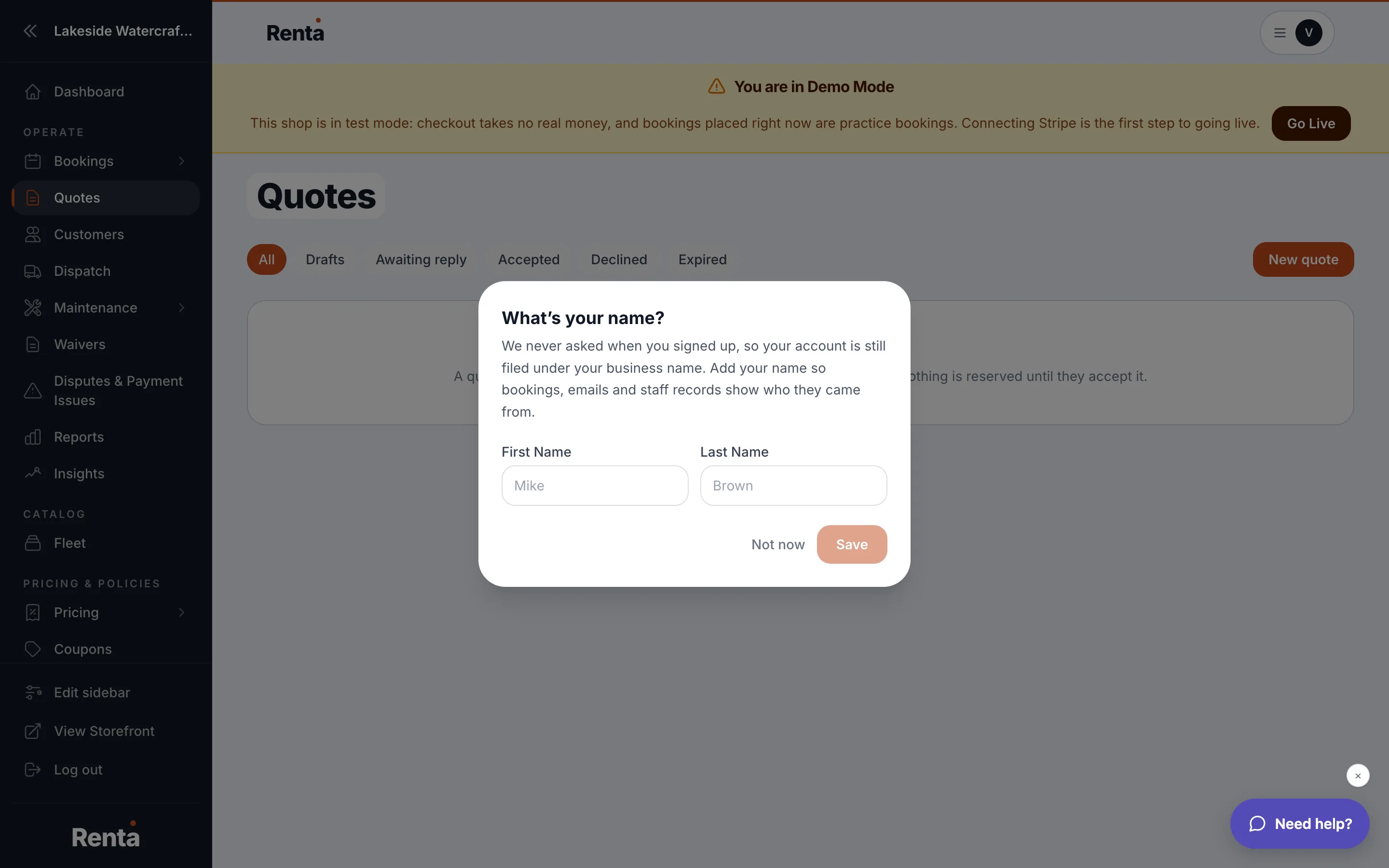 The Quotes list with status tabs
How it works
- Status tabs — All, Drafts, Awaiting reply, Accepted, Declined, Expired, Cancelled.
- Each row shows the quote number, customer, rental dates, total, and a color-coded status badge (green = accepted, blue = awaiting reply, red = declined, amber = expired, gray = cancelled or draft).
- New quote button (top-right) starts a new quote.
Example
A customer emails asking "how much would it cost to rent two jet skis for a weekend?" — send them a quote instead of a full booking, since they haven't committed to dates yet.
Good to know
- A quote only becomes a real reservation once you convert it to a booking after the customer accepts.
Related
Still stuck? Ask the chat.