Coordinating deliveries and pickups for the day
Assign drivers and track today's delivery drop-offs and pickups in one board.
Where to find it
Dispatch (left sidebar)
If you deliver rentals to customers or pick them up rather than having everyone come to you, the Dispatch board is where you plan and track that for the day.
Where to find it
Click Dispatch in the left sidebar.
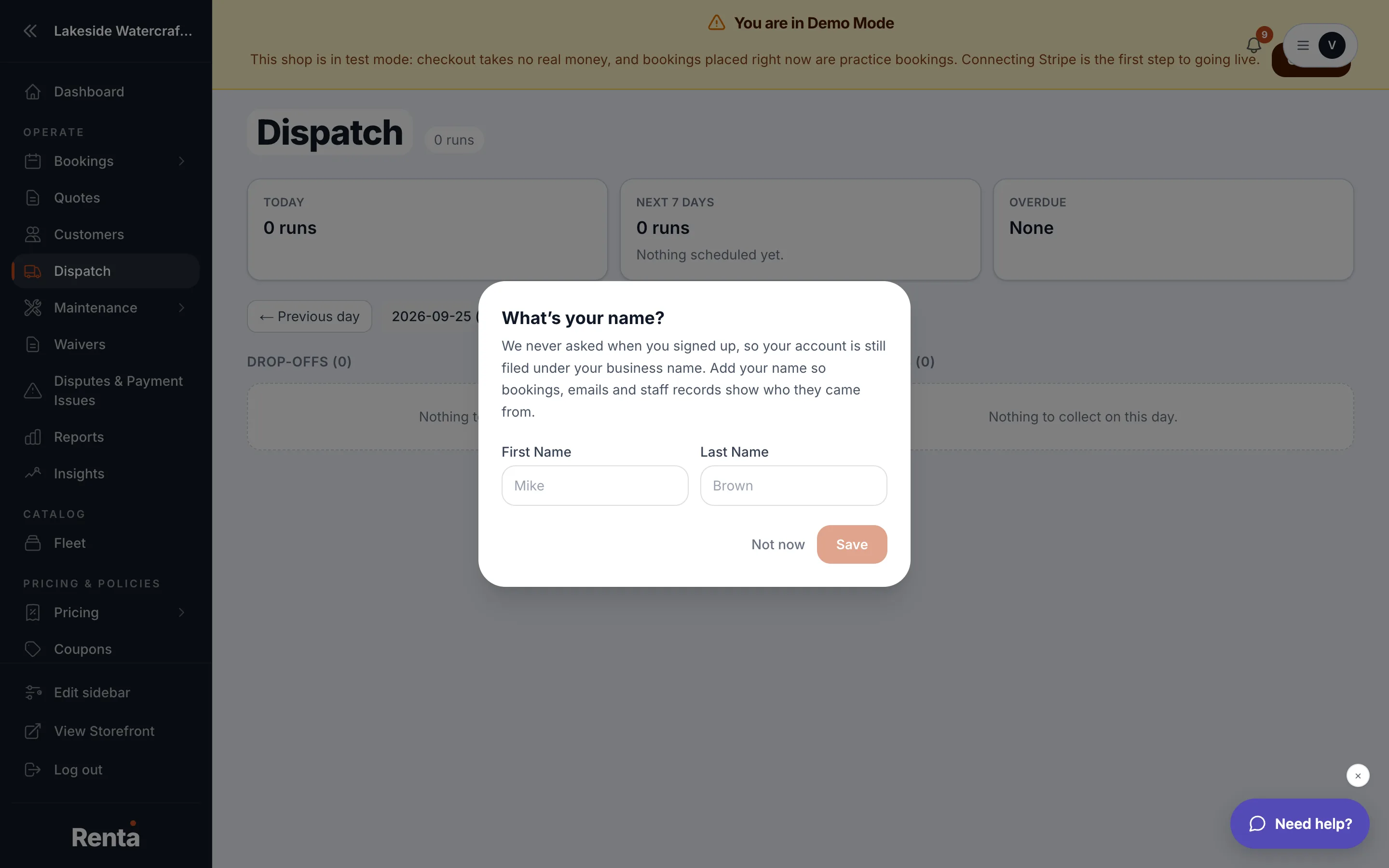 The Dispatch board with Dropoffs and Pickups sections
How it works
- Date selector — pick a day to view; defaults to today.
- Dropoffs and Pickups — two separate sections, each row being one delivery leg (a single drop-off or pickup trip).
- Each leg shows the confirmation number, customer, address, a scheduled time window, and a status: unassigned (gray, no driver yet), assigned (blue, driver picked), or completed (green, done).
- Driver dropdown — assign one of your drivers to a leg.
- A subtitle at the top tallies how many runs still need a driver, e.g. "6 runs · 2 still need a driver."
Example
Before your team heads out for the day, open Dispatch, assign each unassigned leg to a driver, and glance at the subtitle to confirm nothing is left unassigned.
Good to know
- This board only shows legs for bookings that actually include delivery — a booking without delivery won't appear here at all.
Still stuck? Ask the chat.